
Learn Genaya, one short video at a time
Step by step videos for every part of Genaya, on the computer and on the phone. Watch it, then do it yourself.
Getting Started1
Account & Sign In2

Workspace3
 2:00Web appHow to set a personal reminderOpen your Reminders from the bell at the top right of any page and add a personal reminder with a...
 2:16Web appHow to use and change keyboard shortcutsOpen Keyboard shortcuts from the keyboard button next to Customize, use the General, Go to and...
 2:21Web appHow to use NotesWrite and organize notes in Genaya.
Billing & Subscription2


Trust & Security1
Home Dashboard1
Rooms5
 2:49Web appHow to create a Rooms event booking pageCreate a Rooms event booking page in Genaya.
 2:13Web appHow to schedule a room with your teamSchedule a room in Genaya Rooms: give it a Room name, pick the day and time under When, check the...
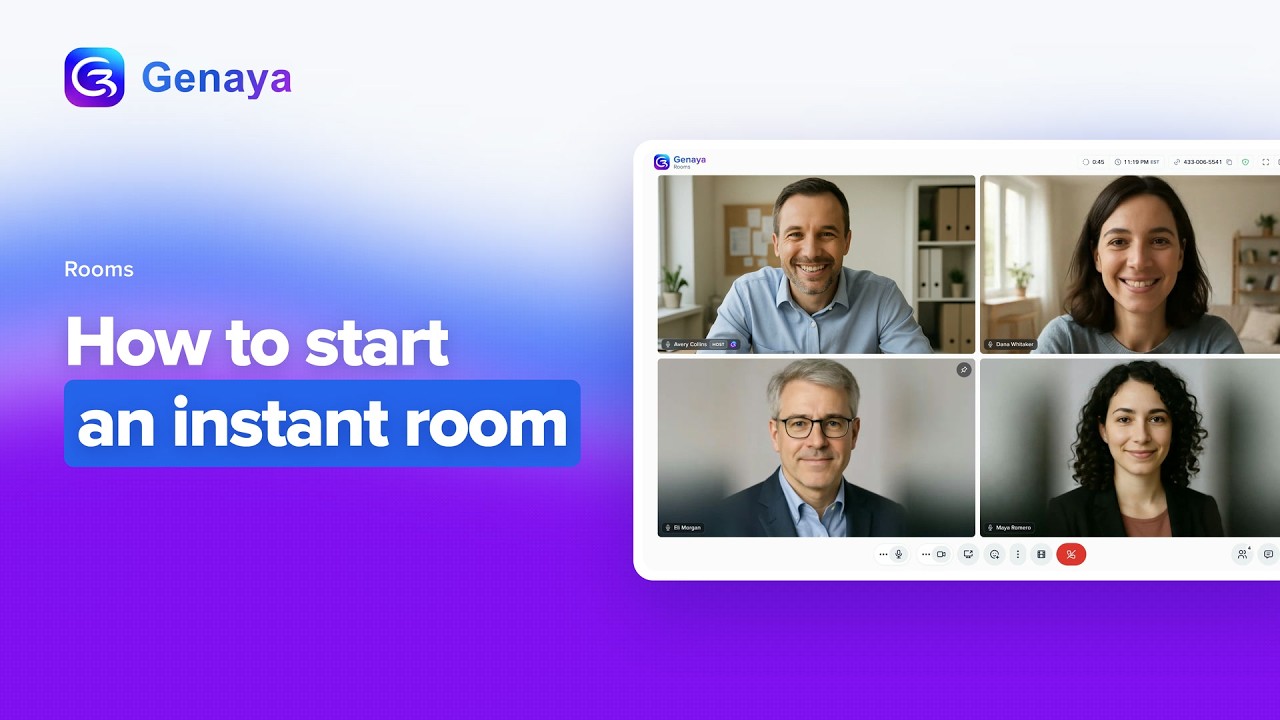 2:20Web appHow to start an instant roomStart an instant room in Genaya Rooms with one click, no calendar, no invitees and no scheduling.
 2:46Web appHow to turn on Video Intelligence in a roomTurn on Video Intelligence in a Genaya room.
 3:45Web appHow to use RoomsTake a full tour of a live Genaya room with people on camera.
Appointments5
 2:25Web appHow to assign an appointment to the right teamAssign an appointment to the right team in Genaya.
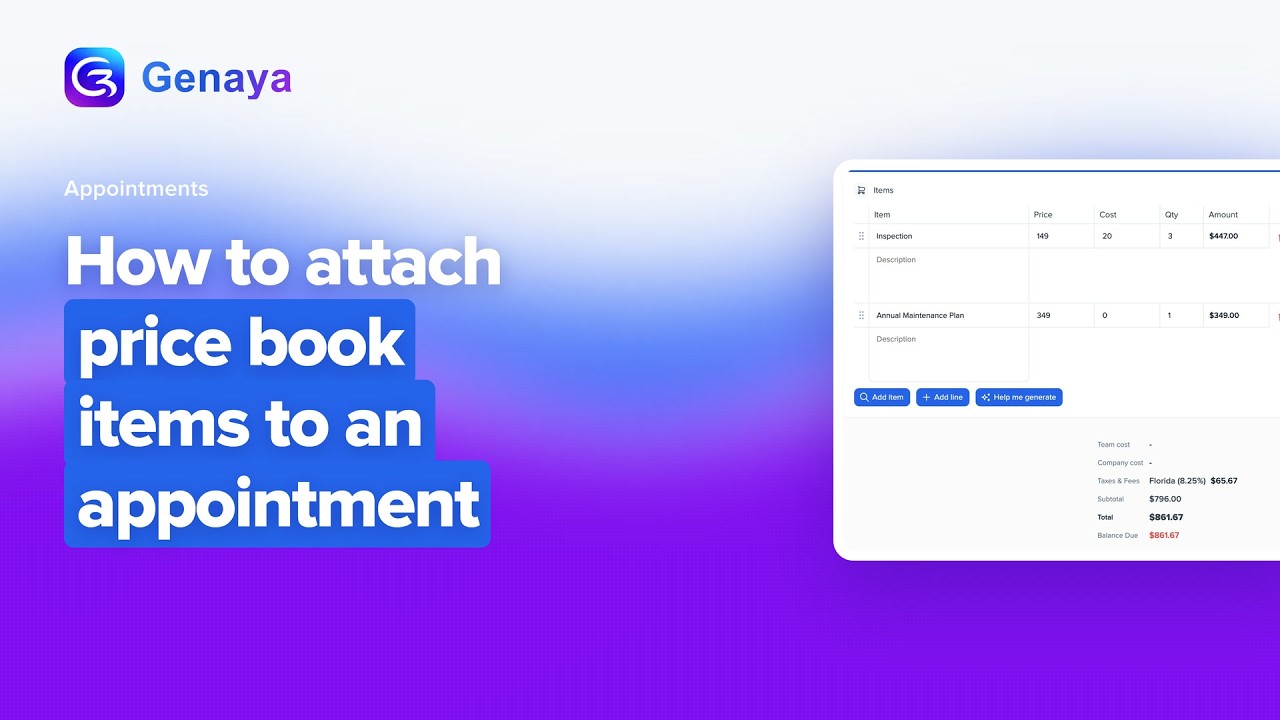 1:59Web appHow to attach price book items to an appointmentAttach price book items to an appointment in Genaya.
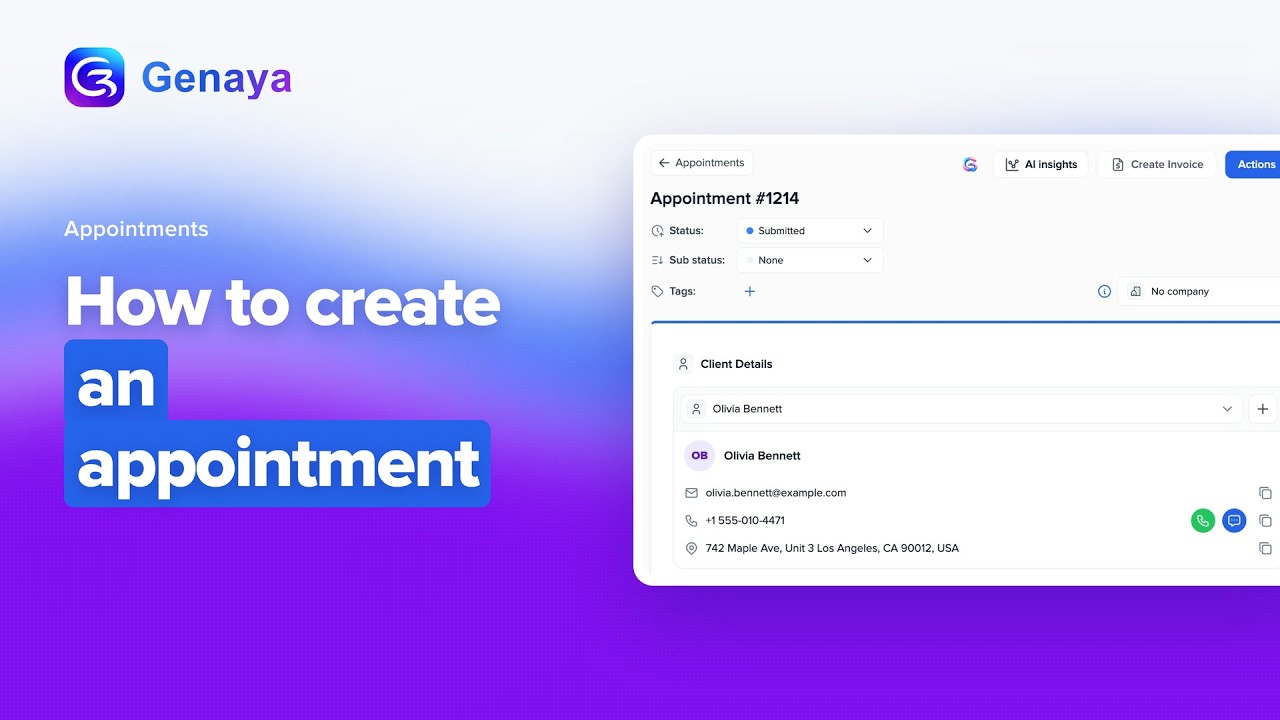 2:36Web appHow to create an appointmentCreate an appointment in Genaya, from the Create Appointment button on the Appointments page to the...
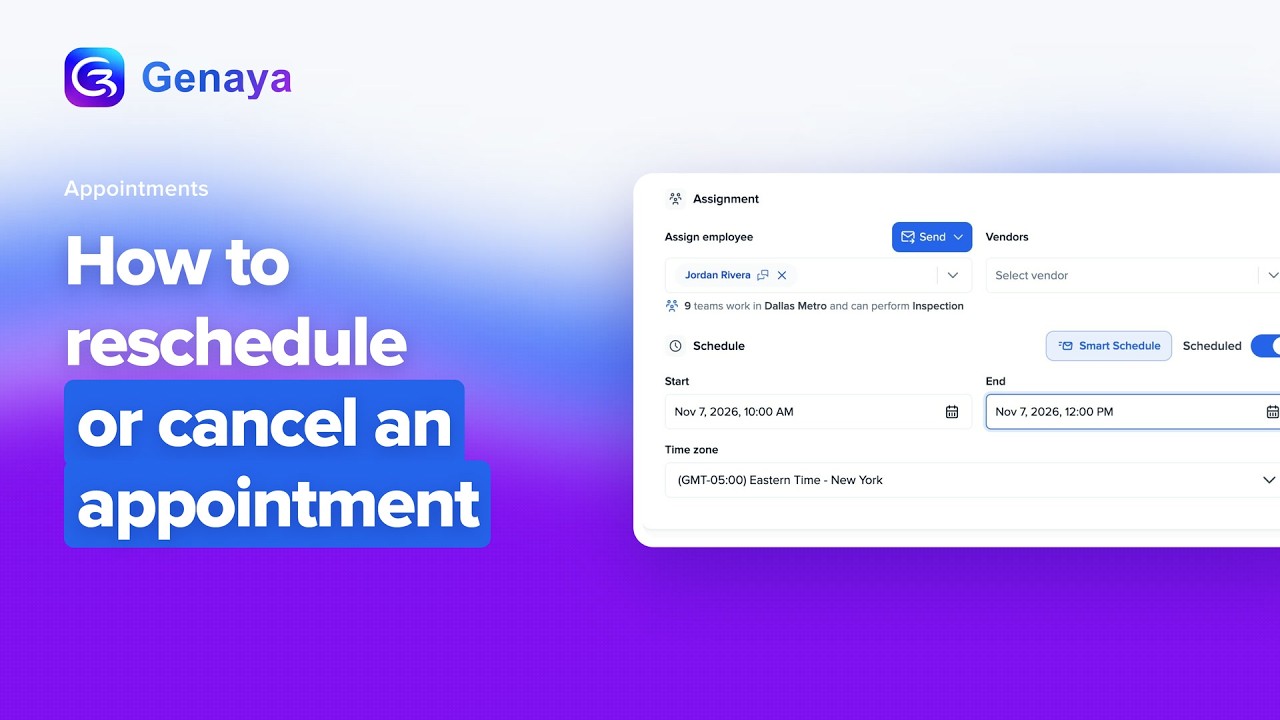 1:52Web appHow to reschedule or cancel an appointmentMove an appointment to a new day and time, or cancel it, right on the appointment in Genaya.
 2:11Web appHow to send appointment reminders to clientsSend appointment reminders to your clients with the Appointment reminder recipe in Genaya Automations.
Clients3
Leads6
 2:01Web appHow to auto-assign new leads to your teamTurn on Auto Lead Assigner in Genaya so new leads are shared out to your team automatically.
 1:56Web appHow to connect Facebook Lead AdsConnect Facebook Lead Ads in Genaya from Settings, Integrations and the Lead Sources page.
 2:22Web appHow to convert a lead to a clientTurn a lead into a client in Genaya.
 2:28Web appHow to create a lead tableCreate a lead table in Genaya.
 2:01Web appHow to import leads from a CSVTurn a CSV or Excel file into a new lead table in Genaya.
 2:20Web appHow to track where leads come fromSee which channel brings in each lead in Genaya.
Estimates3
 2:07Web appHow to add a deposit to an estimateTake a deposit on an accepted estimate in Genaya.
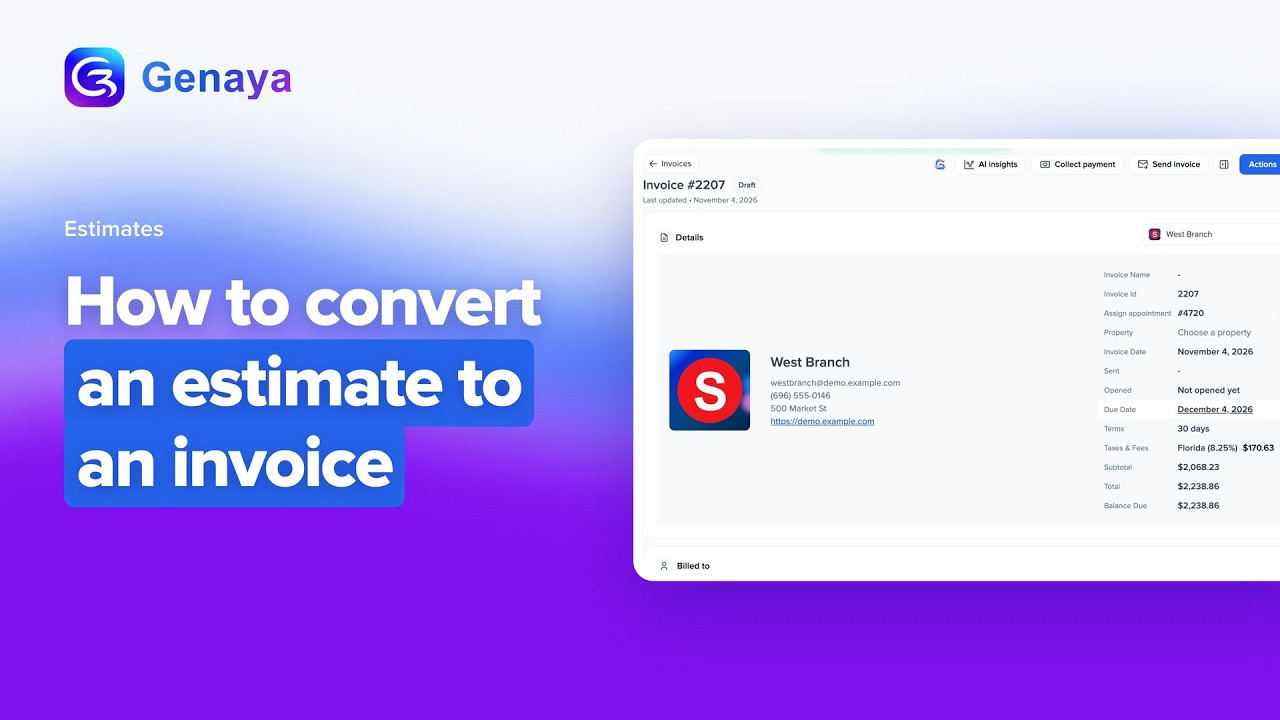 2:16Web appHow to convert an estimate to an invoiceTurn an accepted estimate into an invoice in Genaya without typing anything twice.
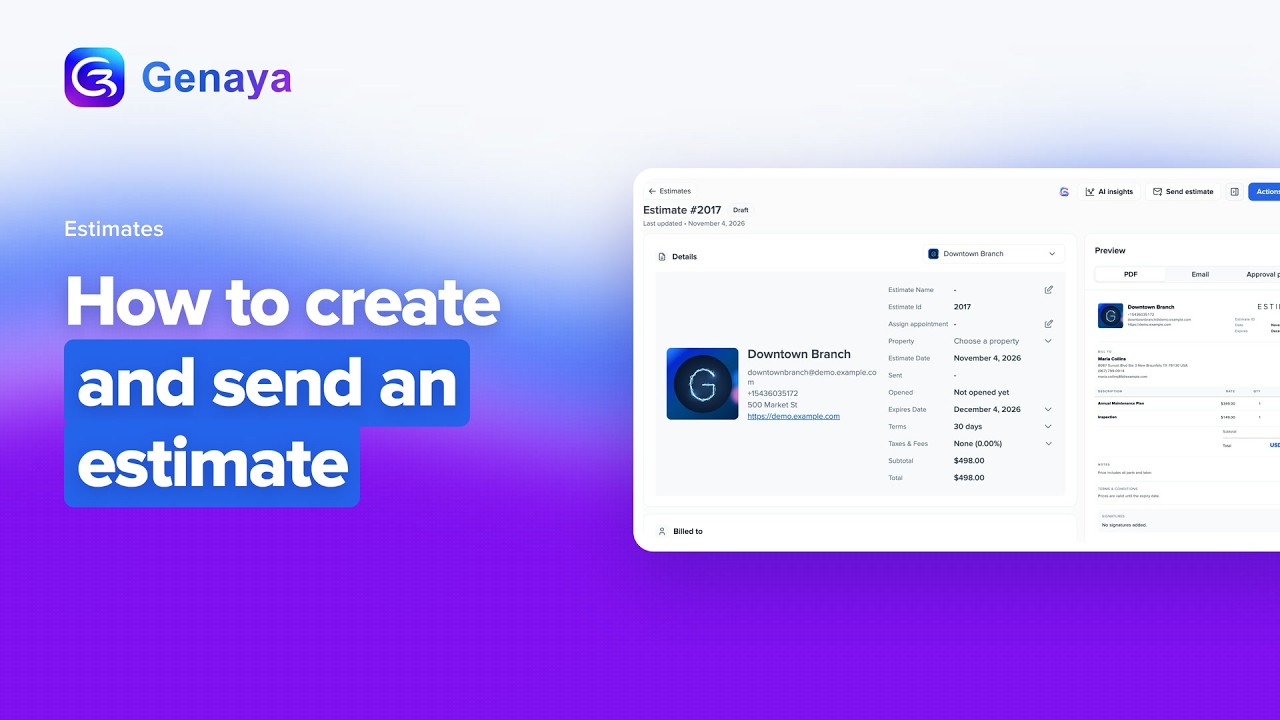
 2:36Web appHow to create and send an estimateCreate an estimate in Genaya from Finance, pick the company it comes from, choose your client and...
Invoices9
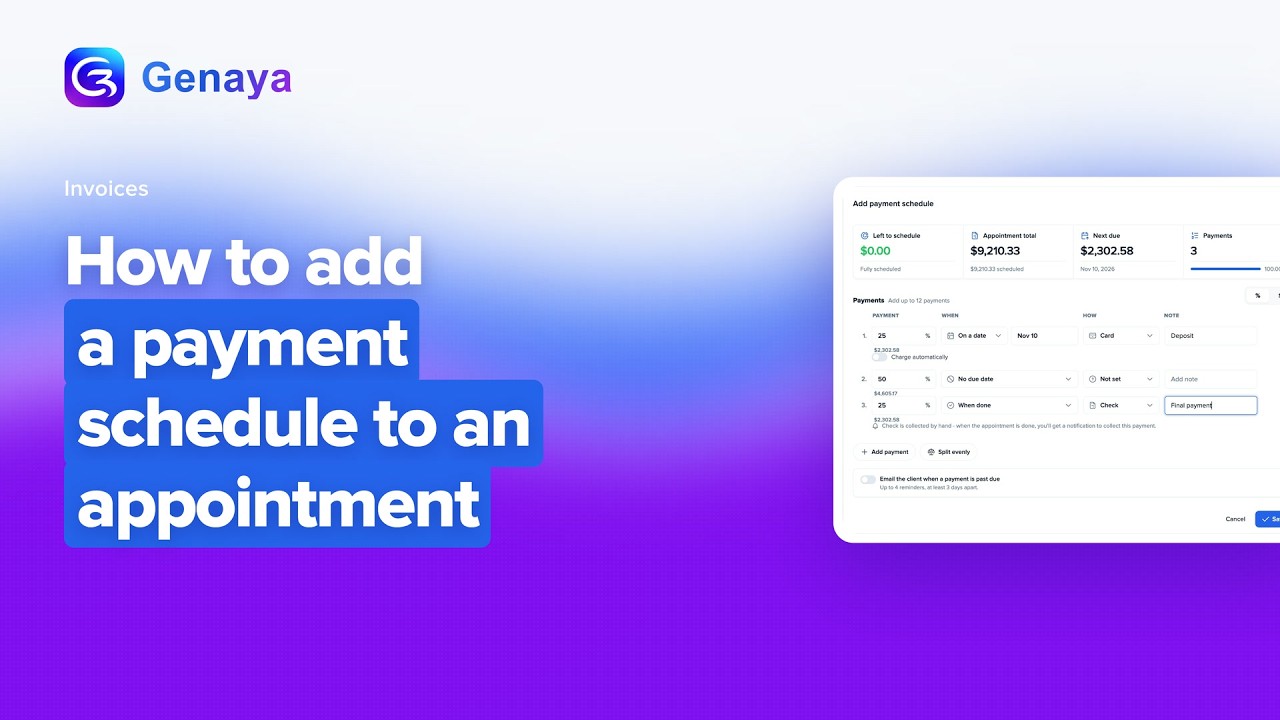 2:17Web appHow to add a payment schedule to an appointmentSplit an appointment total into scheduled payments in Genaya, like a deposit, progress billing and a...
 2:24Web appHow to collect or auto-charge a scheduled paymentAdd a payment schedule to an appointment in Genaya, which splits the appointment total into...
 2:18Web appHow to collect payment on an invoiceCollect payment on an invoice in Genaya.
 2:39Web appHow to create an invoiceCreate an invoice in Genaya.
 2:29Web appHow to customize invoice brandingPut your brand on every invoice in Genaya.
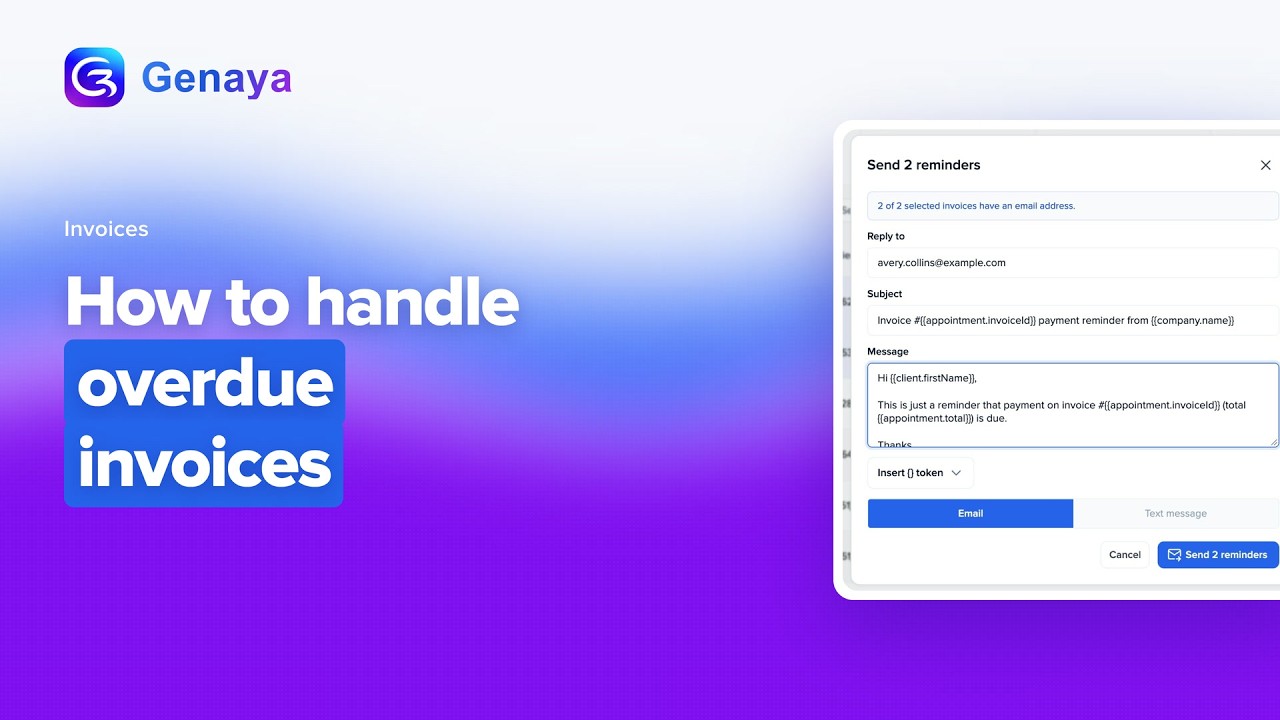 1:59Web appHow to handle overdue invoicesFind every overdue invoice in Genaya with the Status filter, see how late each one is with the Days...
 2:05Web appHow to record a manual payment on an invoiceRecord a manual payment on an invoice in Genaya.
 2:02Web appHow to refund a paymentRefund a card payment from the invoice it paid in Genaya.
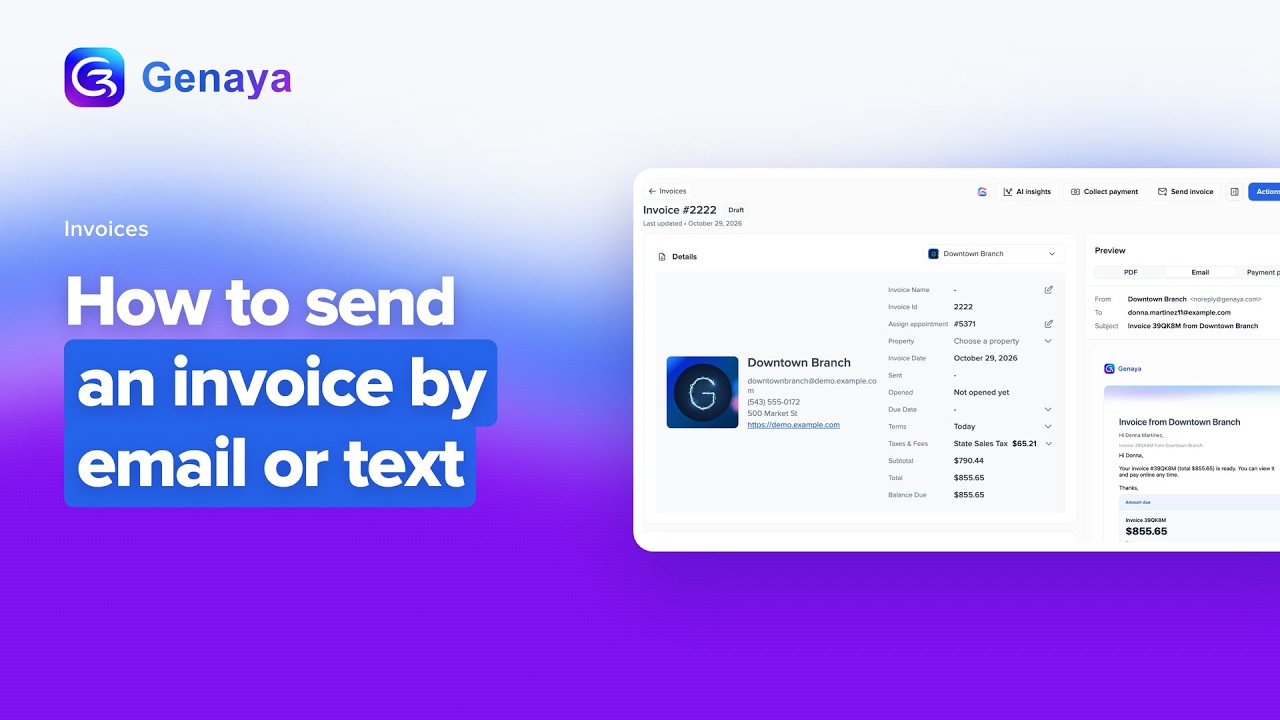 2:01Web appHow to send an invoice by email or textFind an invoice in Genaya, check its Balance Due and the client it is Billed to, and preview the...
Expenses2

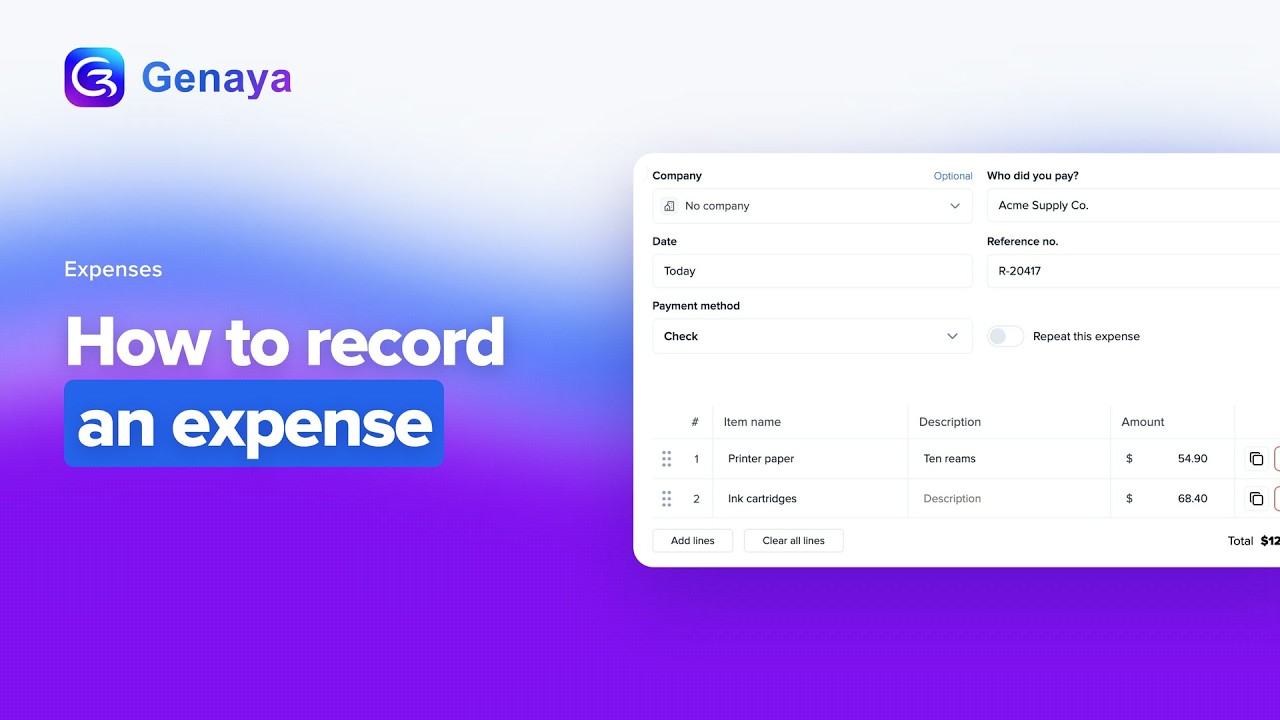
Schedule5
 2:42Web appHow to book an appointment with Smart ScheduleBook an appointment with Smart Schedule in Genaya.
 2:24Web appHow to filter the calendar by team or service areaUse Filter Results on the Schedule to see only one teammate's appointments or only the appointments...
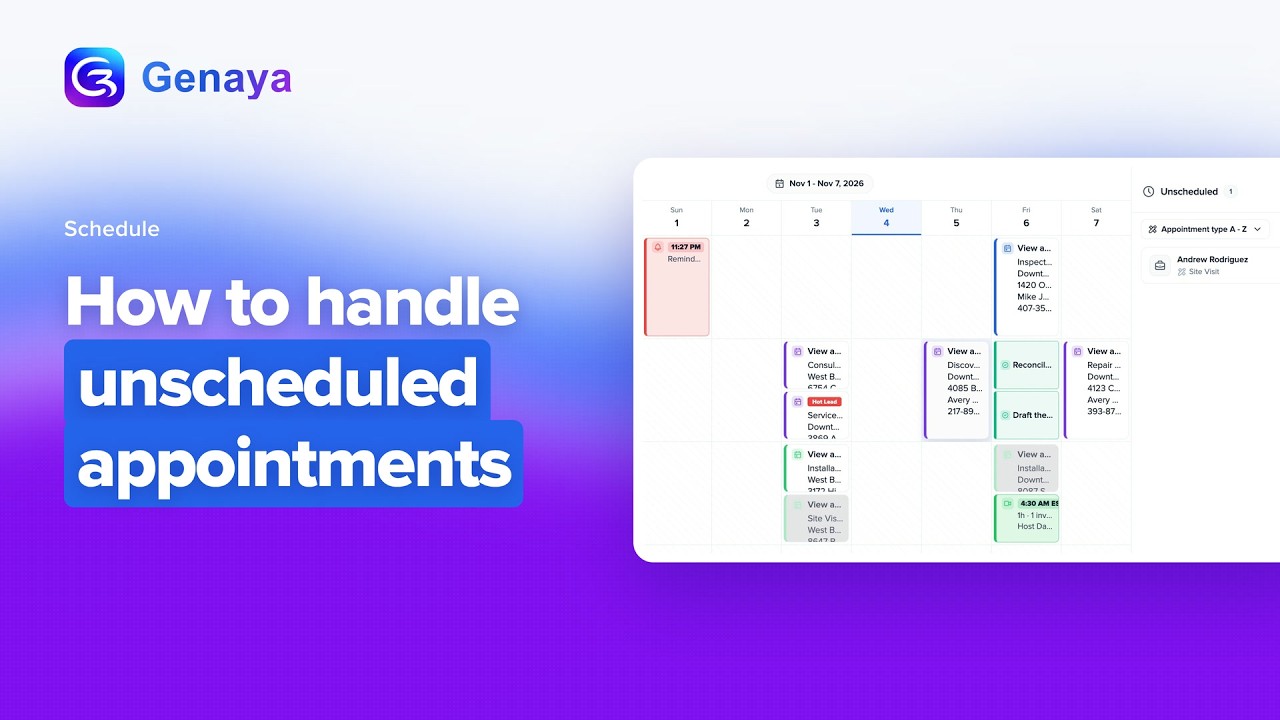 2:03Web appHow to handle unscheduled appointmentsFind every appointment without a date in the Unscheduled panel of the Genaya Schedule, sort the...
 2:36Web appHow to use the Schedule calendarLearn how the Schedule puts every appointment and every teammate on one screen in Genaya.
 2:42Web appHow to use the Schedule map viewSee every appointment with an address on a map beside your Schedule calendar.
Call Center10
 2:27Web appHow to connect CallRail or RingCentral with Call SyncConnect CallRail or RingCentral to Genaya with Call Sync, found under Settings, Integrations.
 2:00Web appHow to enable Call IntelligenceAdd Call Intelligence from Settings in Subscription and Billing, review the checkout with your...
 1:46Web appHow to place an outbound callPlace an outbound call from the Wireless Caller in Genaya Call Center.
 2:02Web appHow to send an SMSText a new number from the Wireless Caller in Call Center: pick the line you send from, type the...
 2:31Web appHow to set up Call Center for your teamSet up Call Center for your team in Genaya.
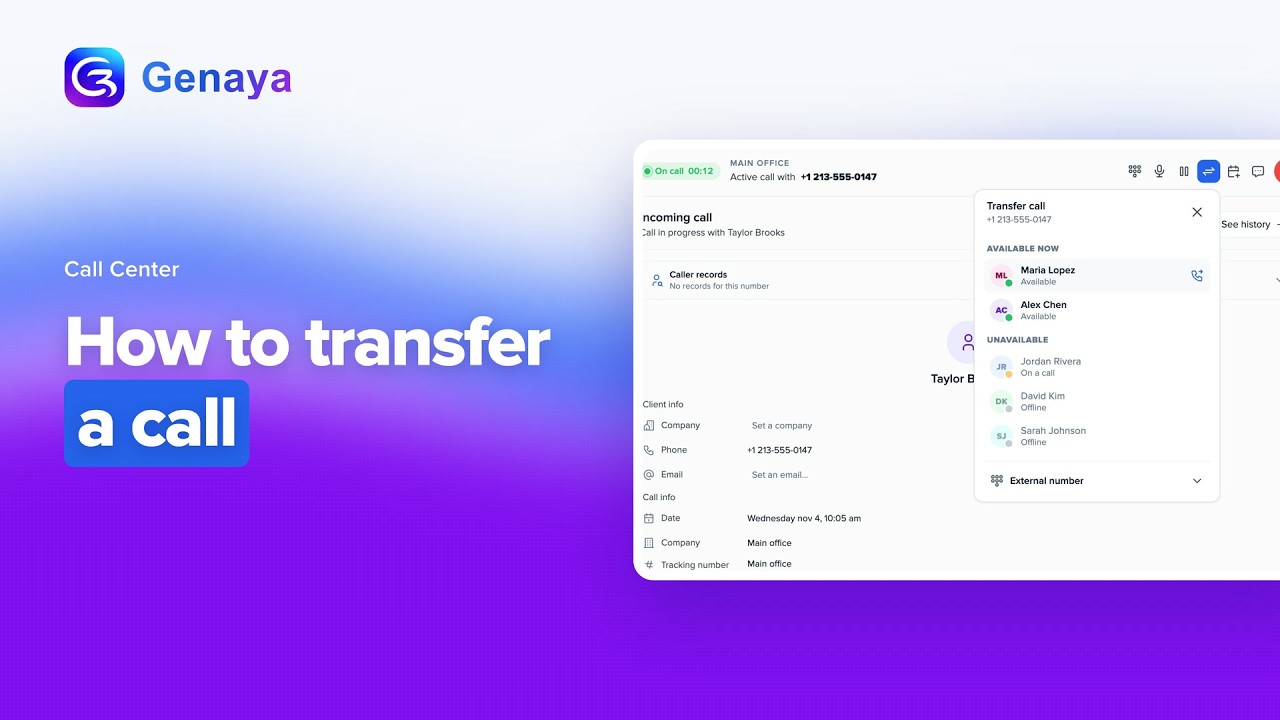 1:44Web appHow to transfer a callAnswer a call in the Genaya Call Center and hand it to a teammate without dropping the caller.
 2:07Web appHow to use AI smart follow-upLearn how AI smart follow-up in the Genaya Call Center reads the recent messages in a conversation...
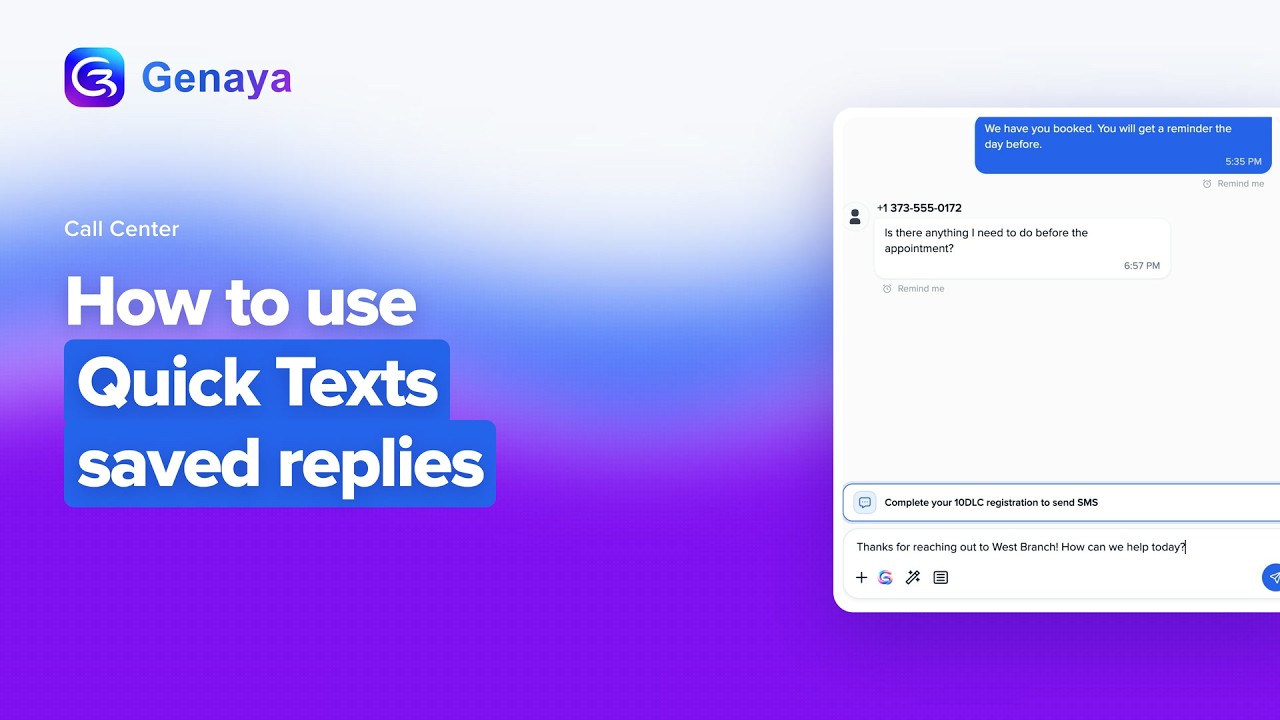 2:12Web appHow to use Quick Texts saved repliesUse Quick Texts, your saved replies in the Genaya Call Center, so you never retype the same message...
 3:03Web appHow to use the Call CenterTake a full tour of the Genaya Call Center.
 1:50Web appHow to view a call transcriptOpen a call from the Call Center call list and find its Call Intelligence box, with the Summary...
Inbox1

Live Chat4
 2:13Web appHow to create a Live Chat widgetCreate a Live Chat widget in Genaya, from naming it and picking the company its chats belong to, to...
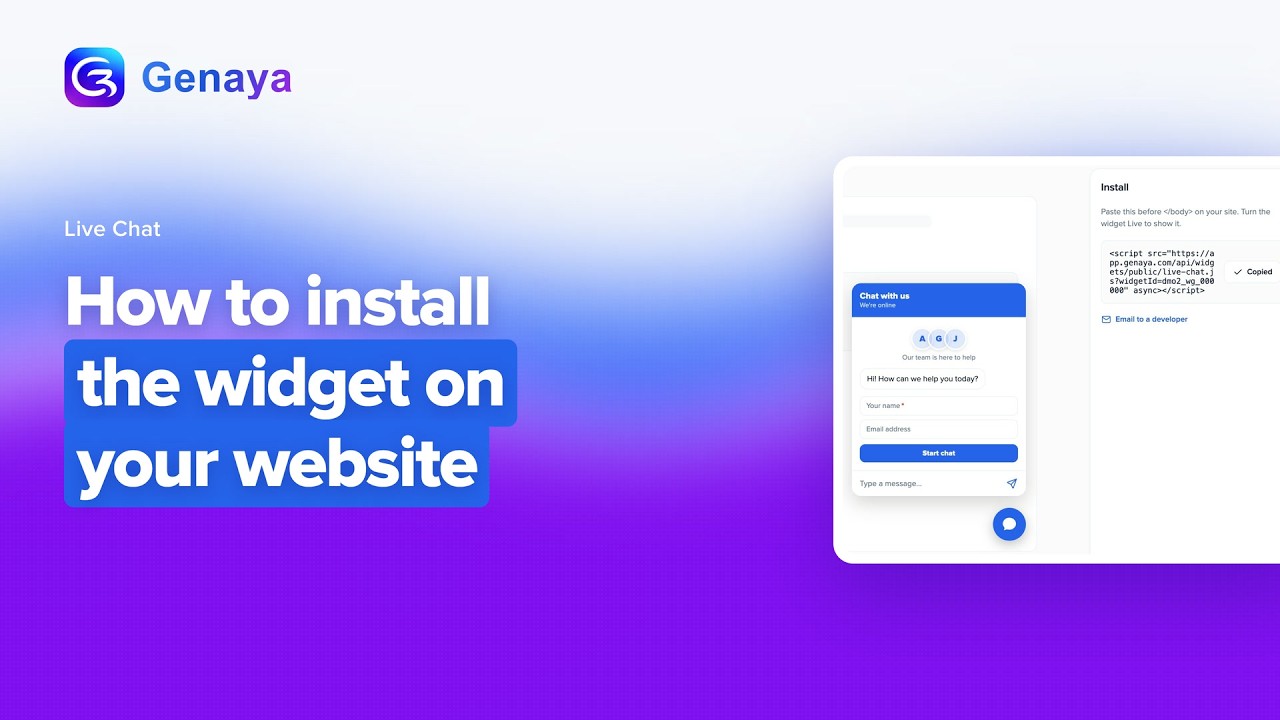 1:53Web appHow to install the widget on your websiteInstall the Genaya Live Chat widget on your website.
 1:48Web appHow to reply to a website visitorAnswer a website visitor from your Genaya Inbox.
 2:02Web appHow to set business hours and away messagesLimit a Live Chat widget to business hours in Genaya.
GenayaPay5
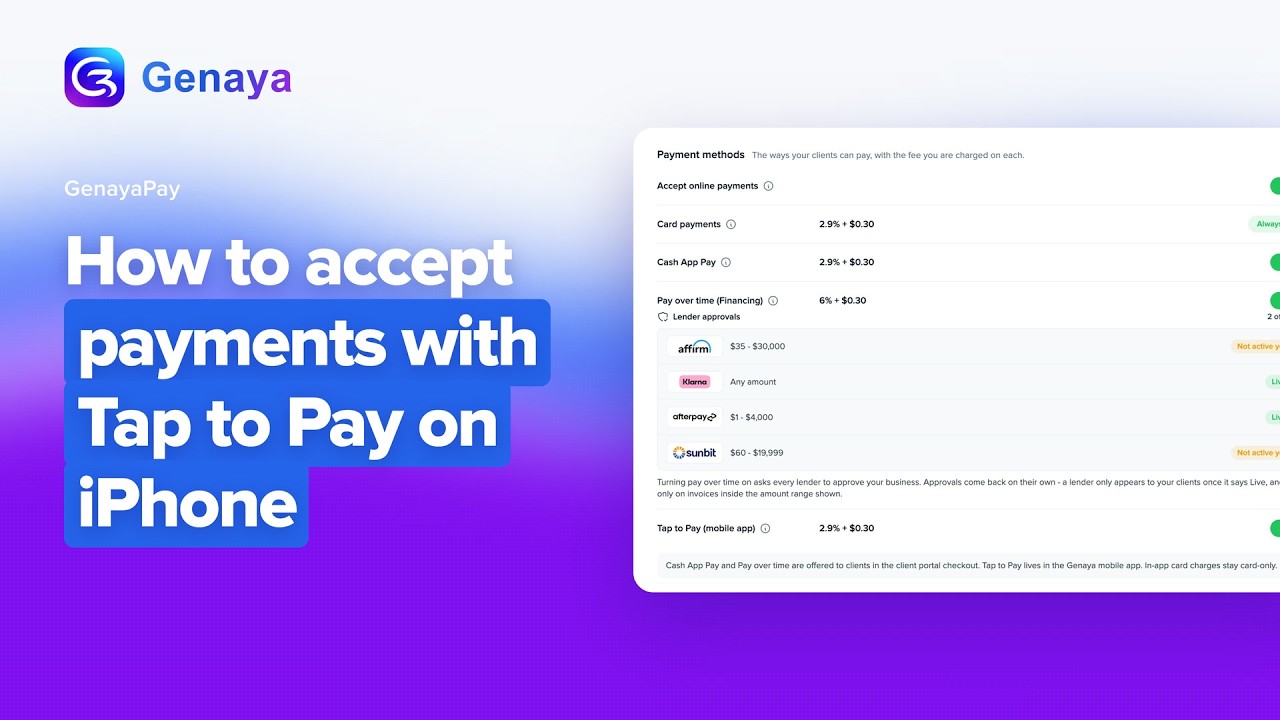 2:14Web appHow to accept payments with Tap to Pay on iPhoneAccept contactless card payments in person with Tap to Pay on iPhone in Genaya.
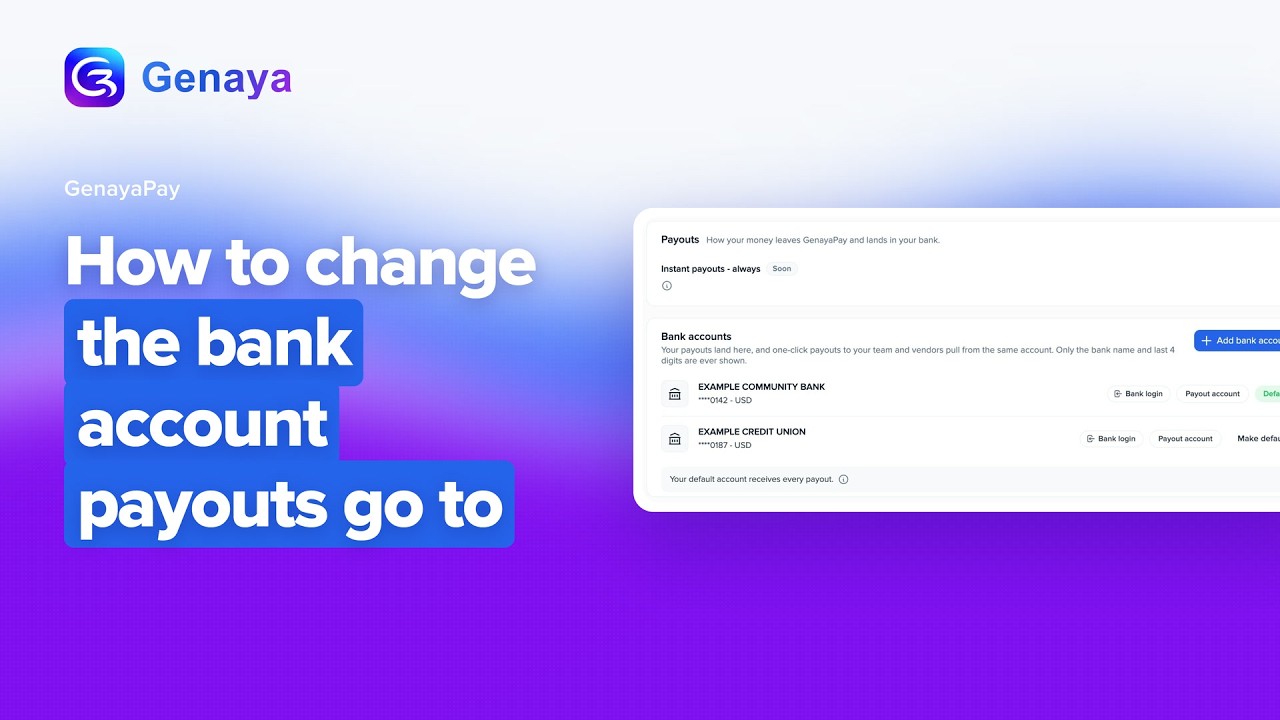 2:00Web appHow to change the bank account payouts go toChange the bank account your GenayaPay payouts land in.
 2:01Web appHow to charge a card manuallyCharge a card manually in Genaya Pay for phone orders, deposits taken on the spot or any one-off charge.
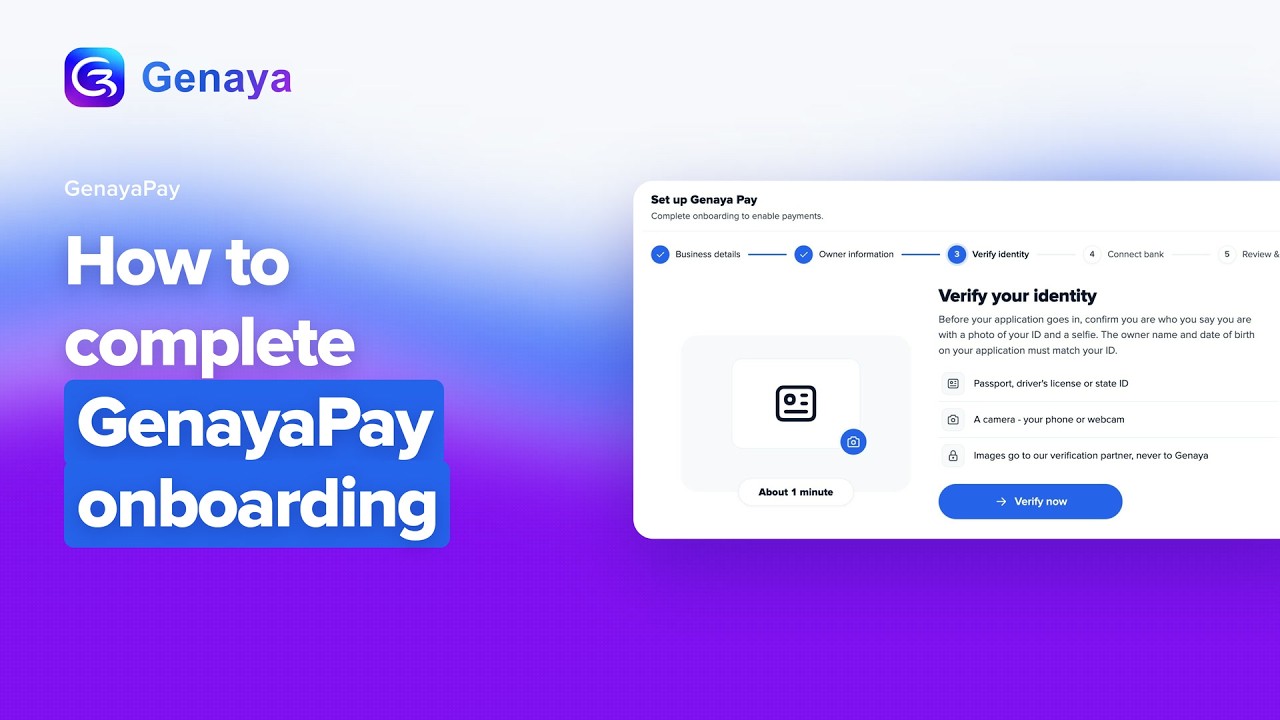 2:59Web appHow to complete GenayaPay onboardingLearn how the account owner completes the Genaya Pay application so your business can accept cards...
 2:10Web appHow to refund a GenayaPay paymentRefund a card payment in GenayaPay.
Engage3
 2:23Web appHow to build a lead capture formBuild a lead capture form in Genaya Engage.
 2:57Web appHow to create a booking pageCreate a booking page in Genaya Engage, where clients pick a time that works for them.
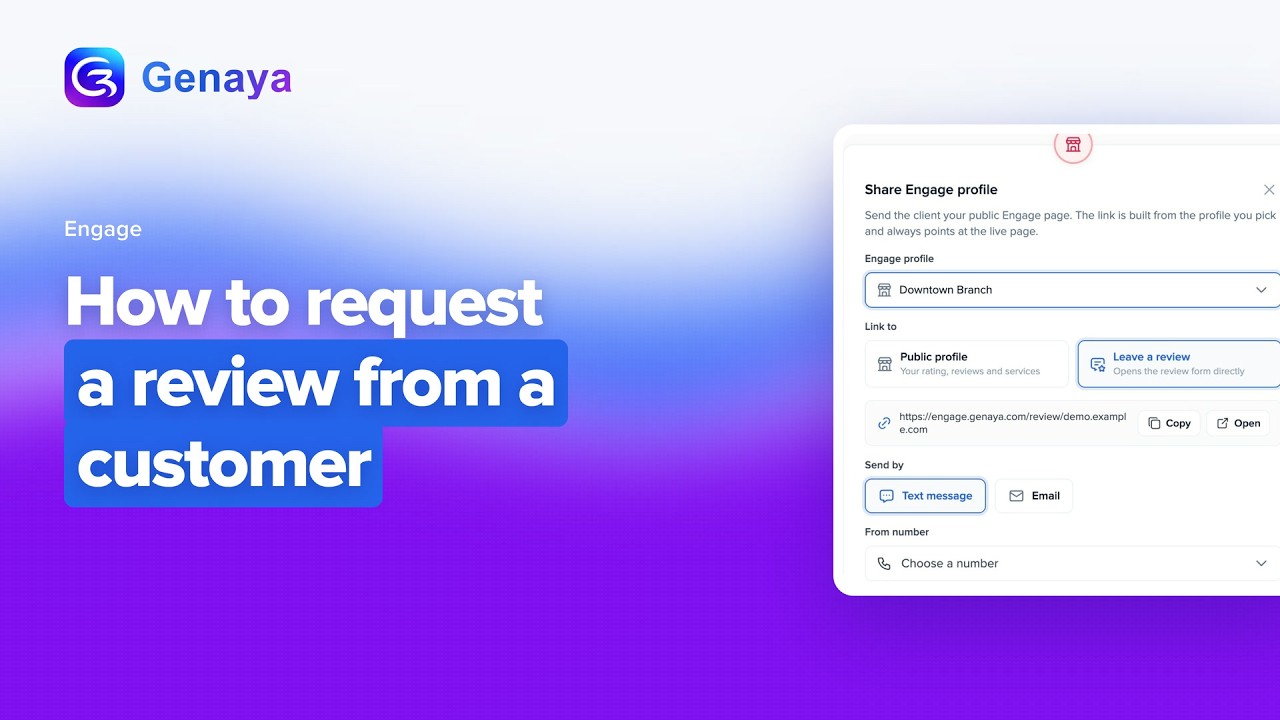 2:08Web appHow to request a review from a customerAsk every client for a review automatically in Genaya.
Campaigns6
 2:16Web appHow to build an audienceBuild a list in Genaya from Campaigns, Audiences and the Lists and segments page.
 2:39Web appHow to create a flowCreate a flow in Genaya, an automatic journey of emails and texts that a contact enters when...
 2:33Web appHow to design an email templateDesign an email template in Genaya with the block builder, from naming it and writing your message...
 2:05Web appHow to schedule a campaignSchedule a campaign in Genaya Marketing.
 2:34Web appHow to send a campaignSend an email campaign in Genaya: open Campaigns under Marketing, pick your audience, sender...
 2:24Web appHow to send from your own domainSend your company's emails from its own domain in Genaya.
Websites4
 2:04Web appHow to click to edit a pageEdit your Genaya website right on the page.
 2:08Web appHow to connect your own domainConnect a domain you already own to your Genaya website.
 2:05Web appHow to publish and share the public linkPublish your Genaya website and share its public link.
 2:23Web appHow to start from a ready-made templateStart a new website in Genaya from a ready-made template.
Tasks1
Genaya AI5
 2:15Web appHow to add photos and files to a Genaya AI chatAdd photos and files to a Genaya AI chat with the plus button, by dropping a file onto the chat, or...
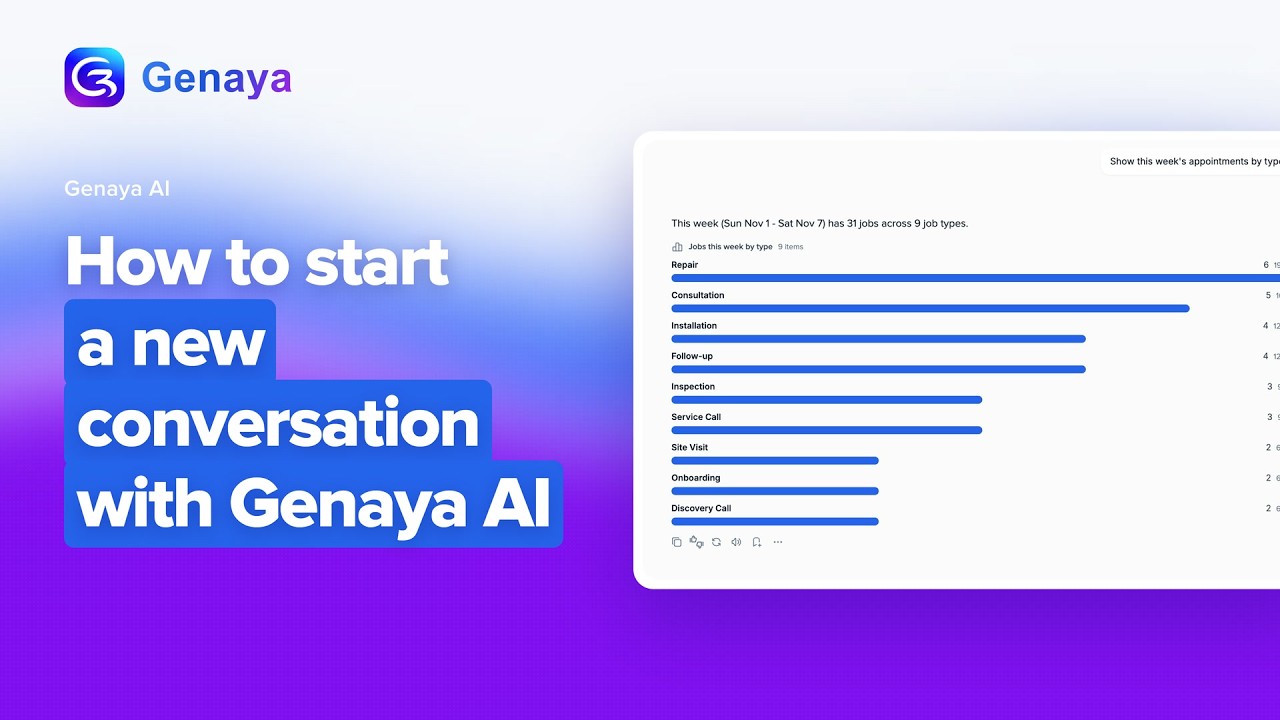 2:02Web appHow to start a new conversation with Genaya AIStart a new conversation with Genaya AI, your assistant inside Genaya.
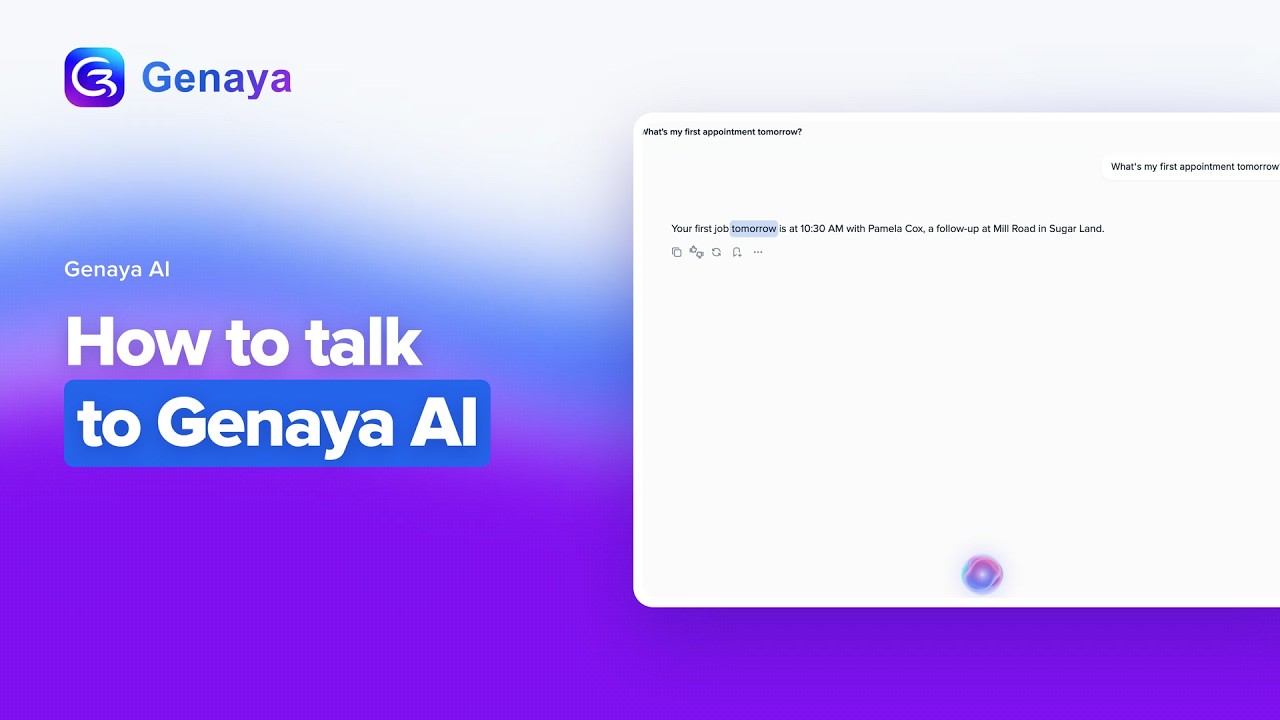 2:00Web appHow to talk to Genaya AITalk to Genaya AI in talk mode, a hands-free conversation where you speak, Genaya answers out loud...
 2:29Web appHow to turn on an agent from the galleryTurn on an agent from the Genaya AI agents gallery.
 2:45Web appHow to use Genaya from ChatGPTUse Genaya from ChatGPT.
Accounting4
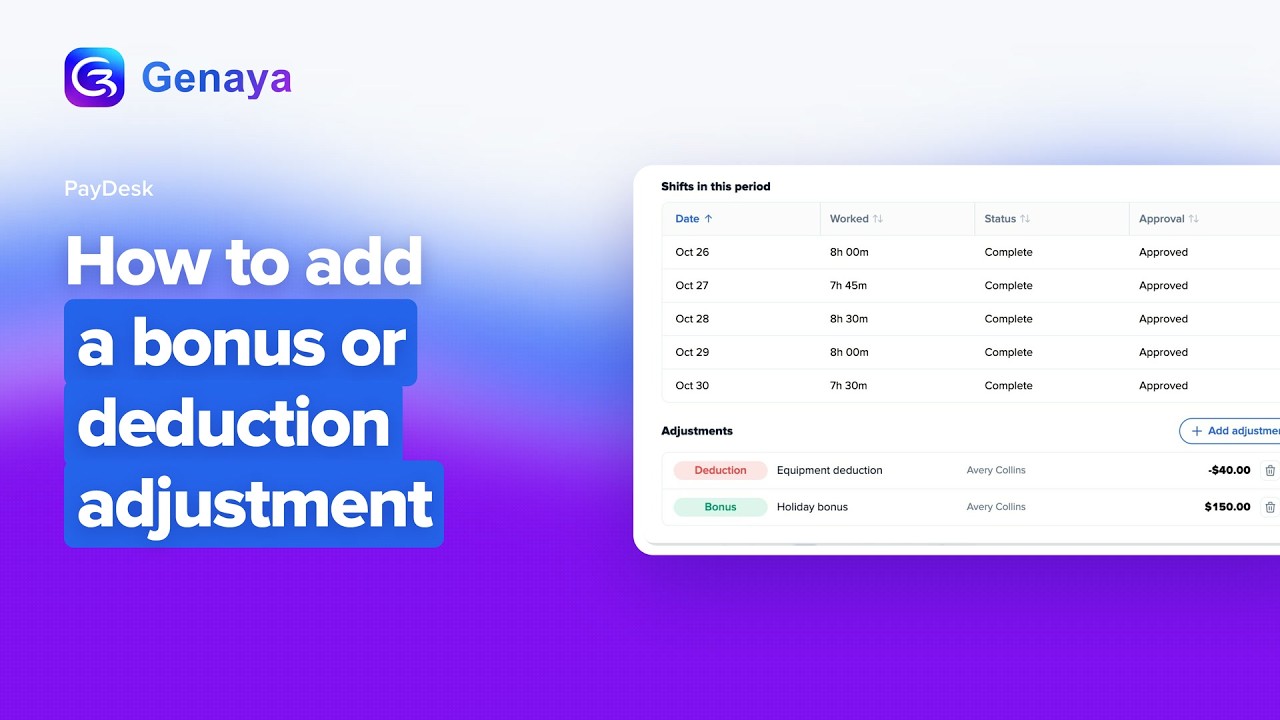 2:12Web appHow to add a bonus or deduction adjustmentAdd a bonus or a deduction to a team member's pay in Genaya PayDesk.
 2:27Web appHow to approve your team's timesheetsReview and approve the hours your team clocked in PayDesk before they reach payroll.
 3:00Web appHow to create a Performance Pay ruleCreate a Performance Pay rule in PayDesk that pays your team by results.
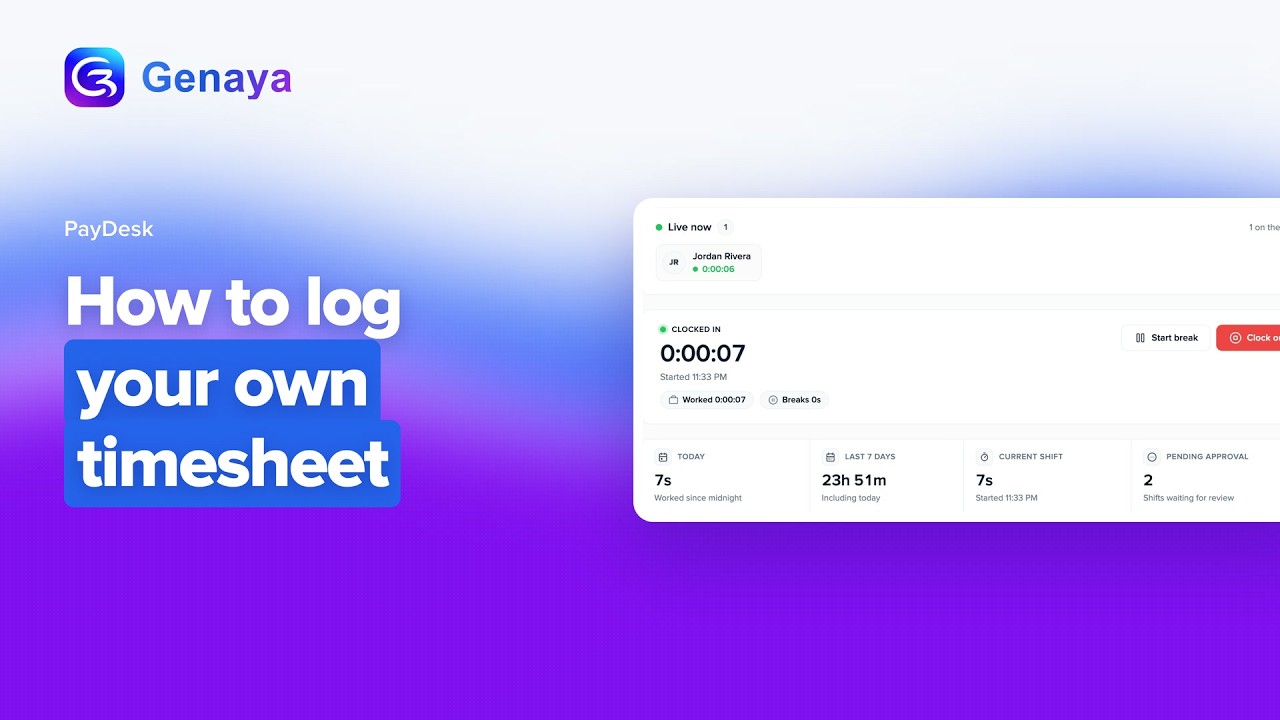 2:01Web appHow to log your own timesheetLog your own hours in Genaya PayDesk with My timesheet.
Automations3
 2:36Web appHow to build a multi-step automation with waits and if / else pathsBuild an automation that is a whole flow, not just one rule.
 2:34Web appHow to create an automationBuild an automation in Genaya from scratch.
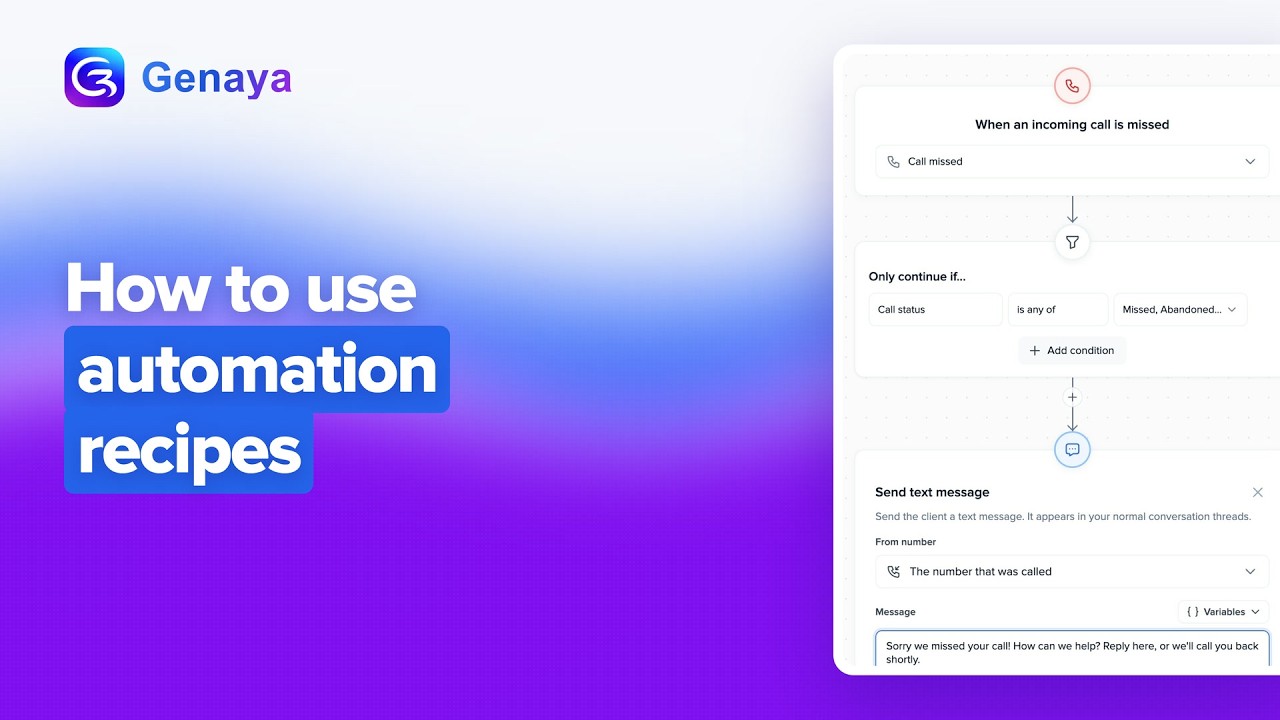 2:27Web appHow to use automations recipesStart an automation from a recipe in Genaya.
Operations15
 2:01Web appHow to add a companyAdd a company in Genaya from Operations, Companies.
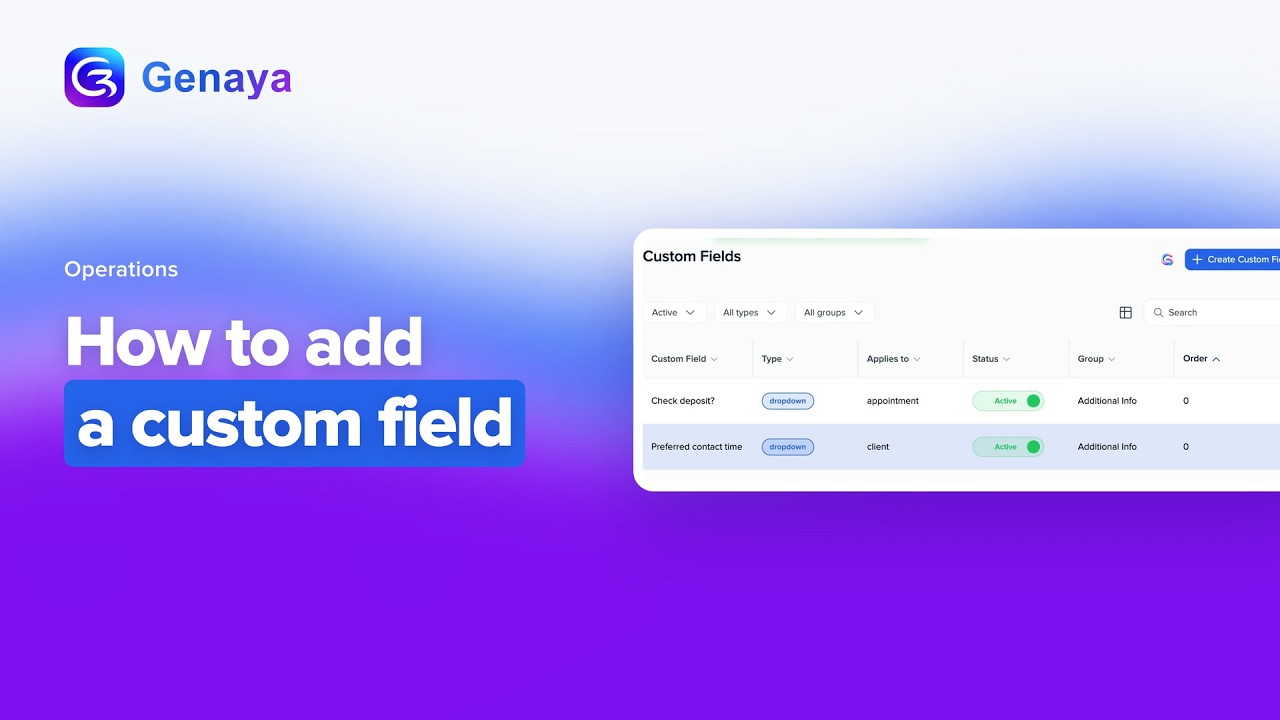 2:19Web appHow to add a custom fieldAdd a custom field in Genaya.
 2:11Web appHow to add hold musicAdd hold music in Genaya.
 1:55Web appHow to block a phone numberBlock a phone number in Genaya from Operations, Blocked Numbers.
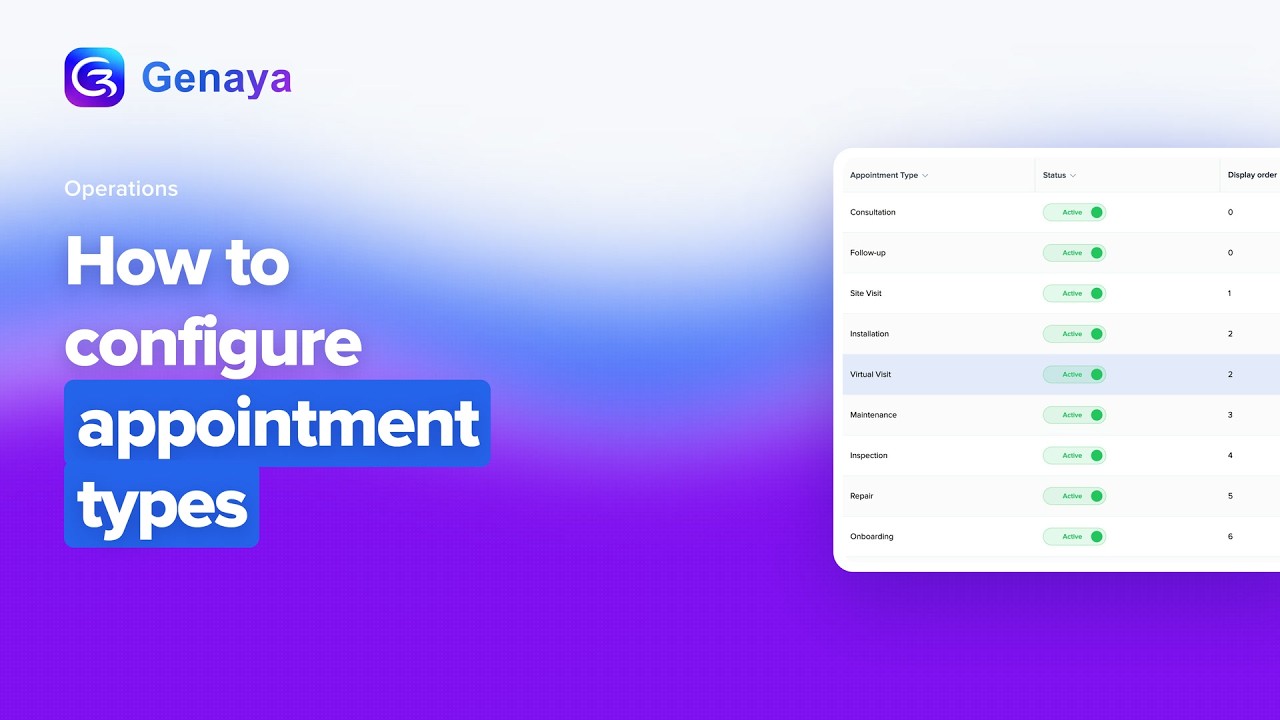 2:01Web appHow to configure appointment typesConfigure appointment types in Genaya, the categories your team picks when booking, like...
 2:53Web appHow to create a call flowBuild a call flow in Genaya from scratch: record your calls, screen out spam, greet your callers...
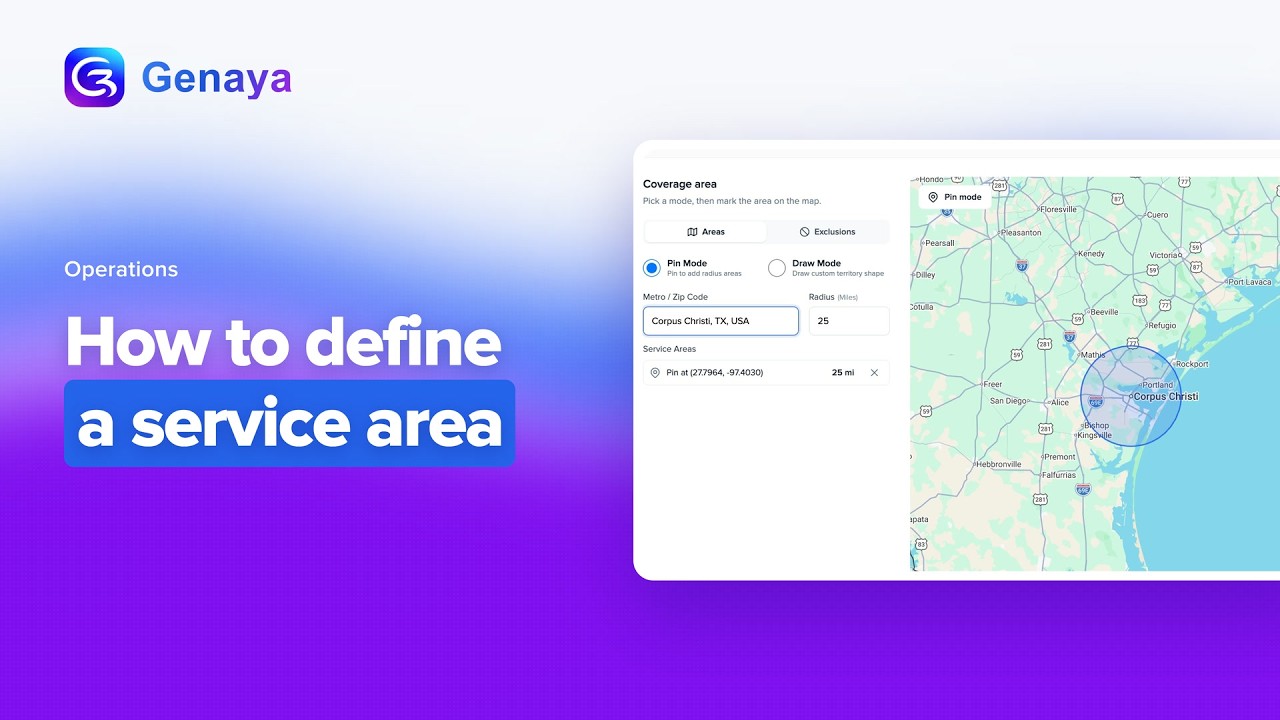 2:15Web appHow to define a service areaDefine a service area in Genaya from Operations, Service Areas.
 2:29Web appHow to edit a team member's permissionsChange what a team member can see and do in Genaya.
 2:33Web appHow to invite a team memberInvite a team member in Genaya.
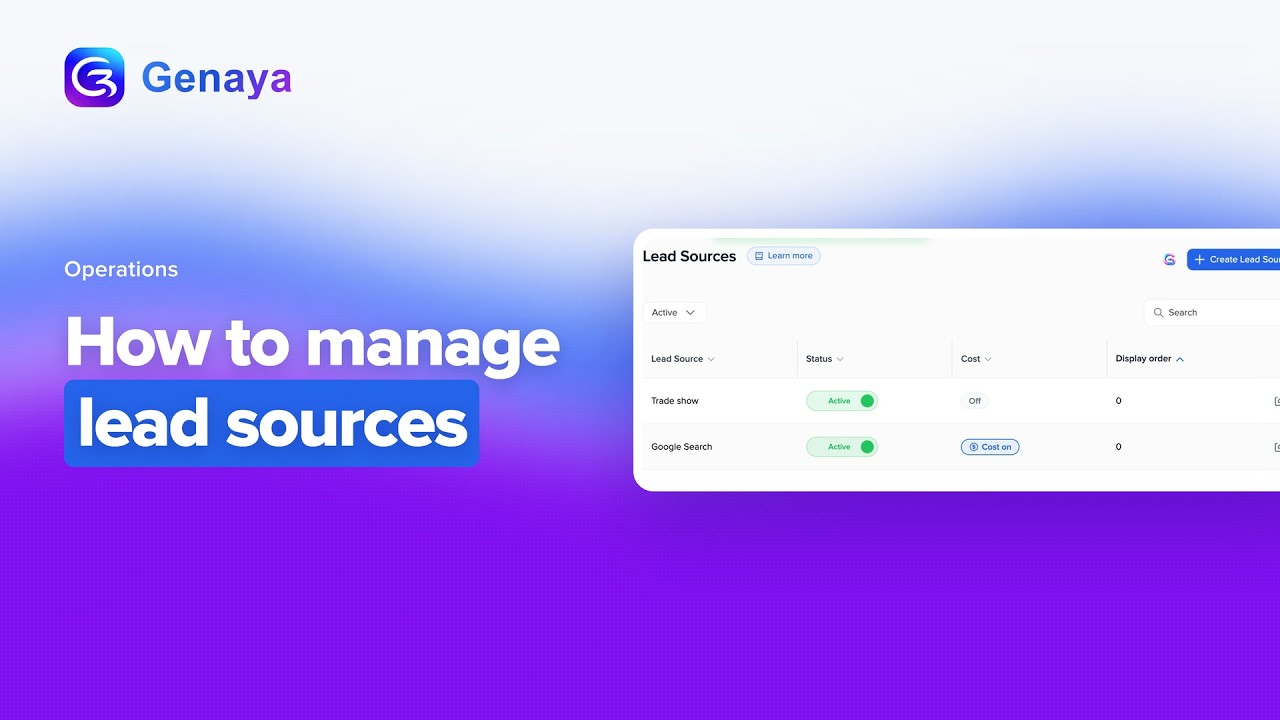 1:35Web appHow to manage lead sourcesManage lead sources in Genaya.
 2:25Web appHow to manage your price bookManage your price book in Genaya.
 2:36Web appHow to provision a phone numberAdd a new phone number in Genaya from Operations, Phone numbers.
 2:14Web appHow to set business hours and timezoneSet your business hours and timezone in Genaya Schedule Settings.
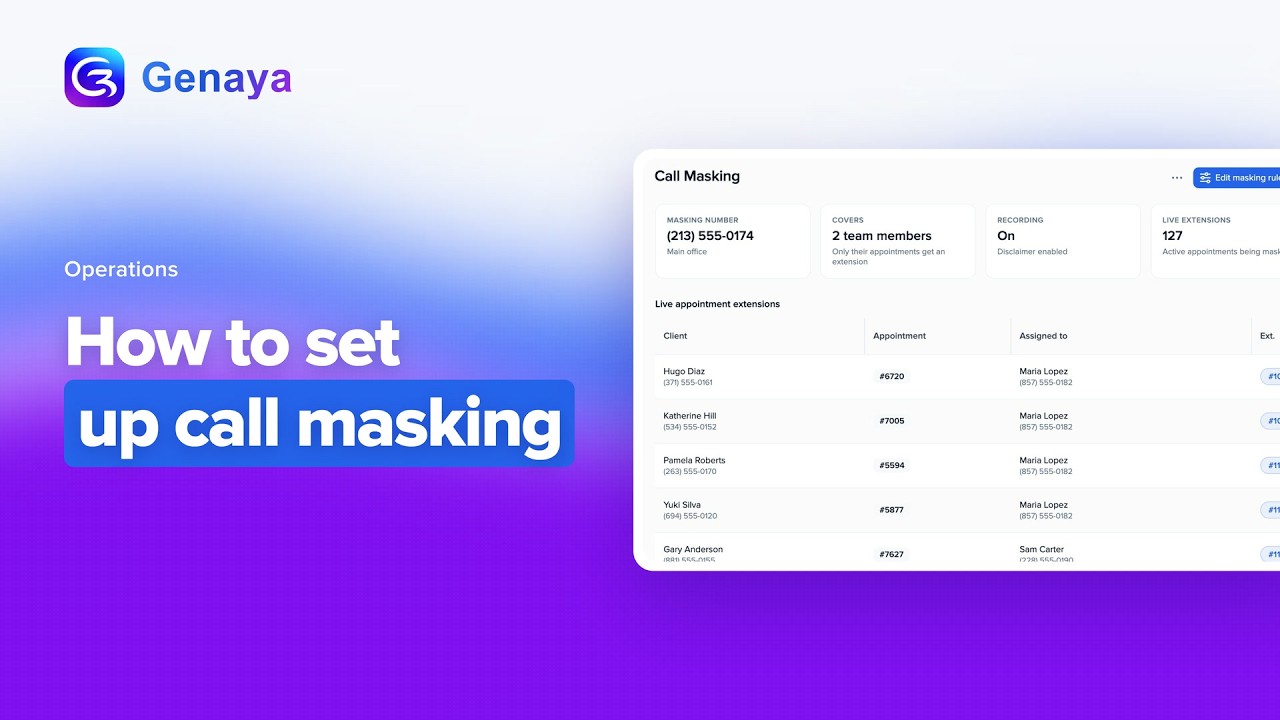 2:46Web appHow to set up call maskingSet up call masking in Genaya so your team and your clients talk through your business number, never...
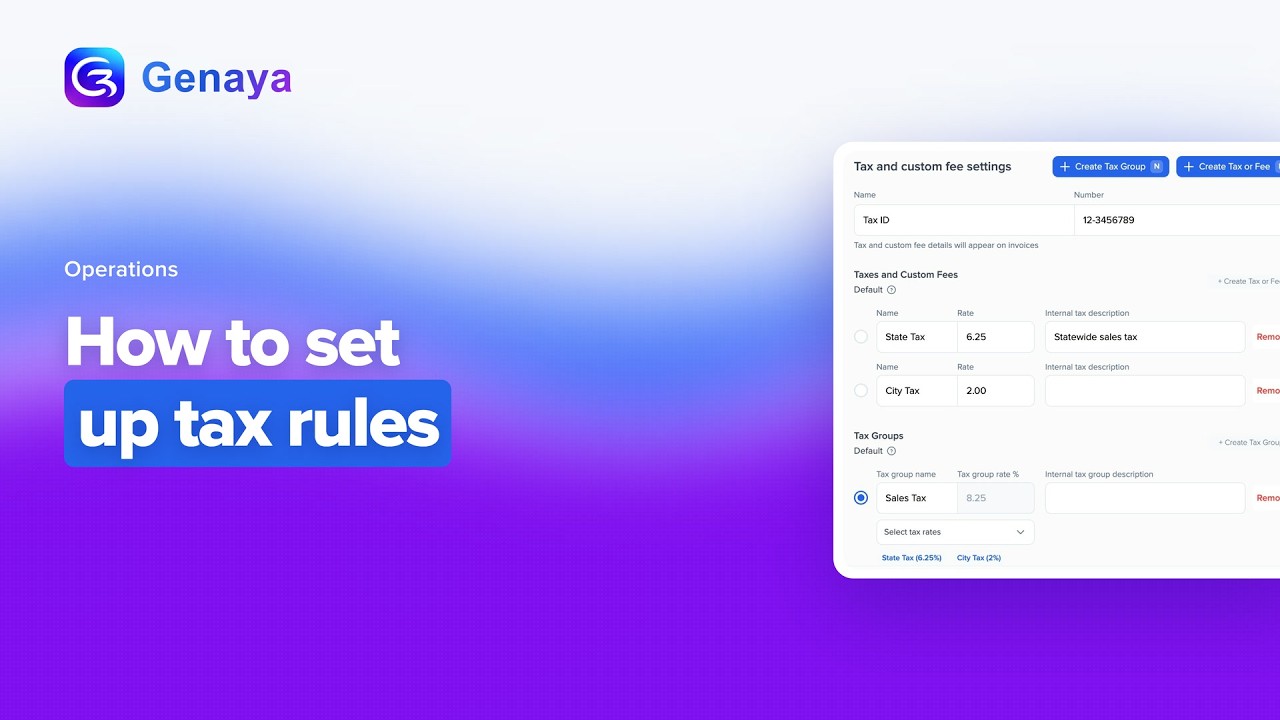 2:23Web appHow to set up tax rulesSet up tax rules for each company in Genaya.
AI Receptionist2

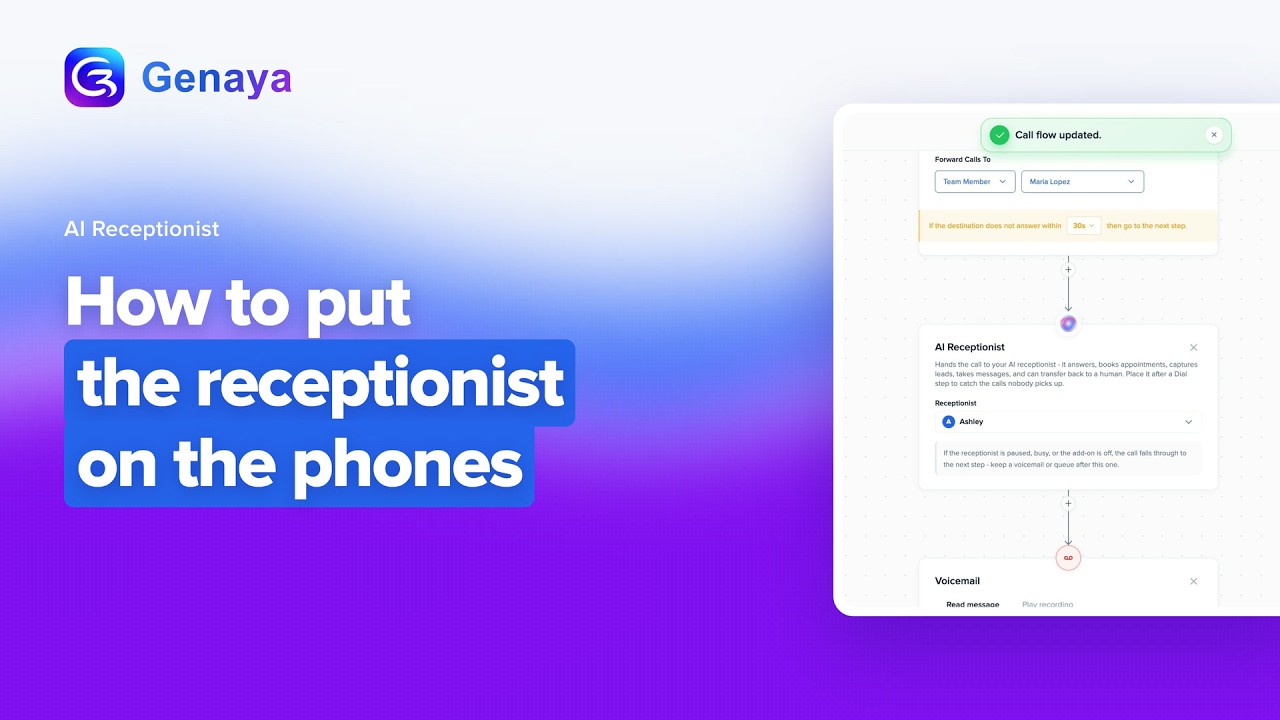
Client Portal1

Developer API1

Property Management1

Business Formation1

Files1

E-Sign Docs1

Genaya mobile app27
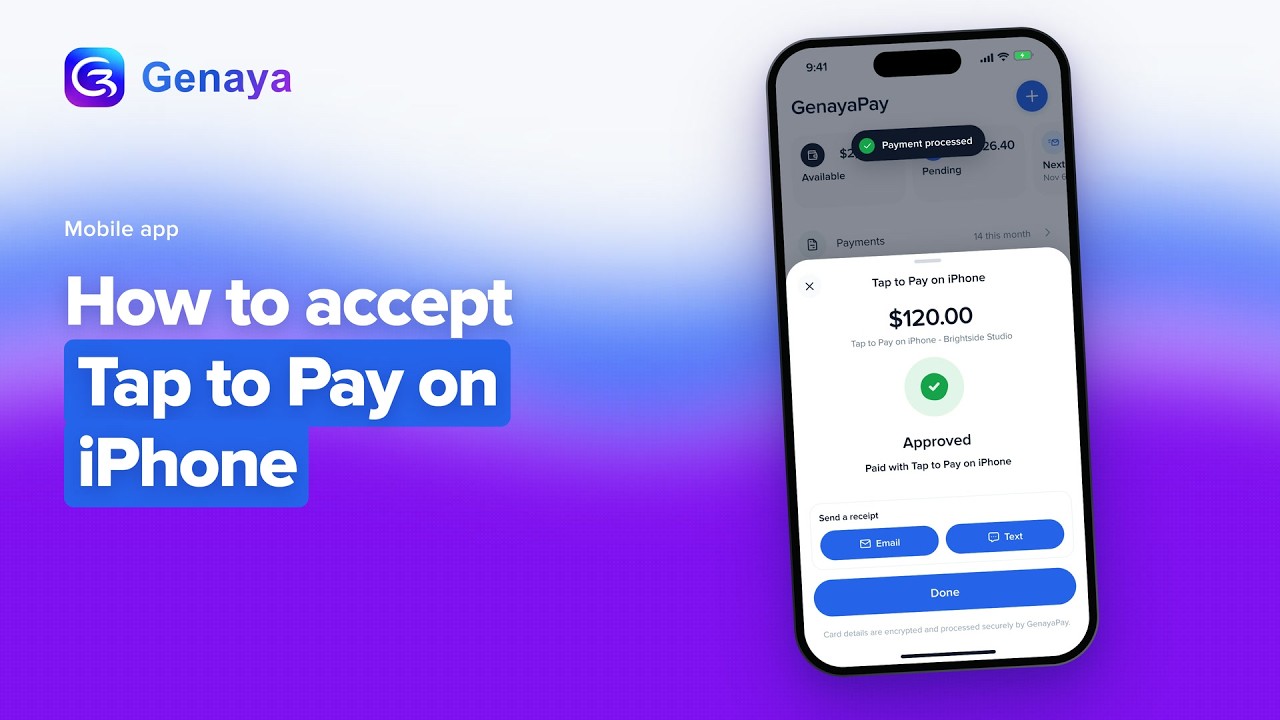 1:04Mobile appHow to accept Tap to Pay on iPhoneAccept a payment with Tap to Pay on iPhone in the Genaya mobile app: Collect payment, type the...
 0:49Mobile appHow to add a client on the phoneAdd a client in the Genaya mobile app.
 0:50Mobile appHow to ask Genaya AI about your dayAsk Genaya AI about your day in the Genaya mobile app.
 0:56Mobile appHow to change your profile and settingsChange your profile and settings in the Genaya mobile app.
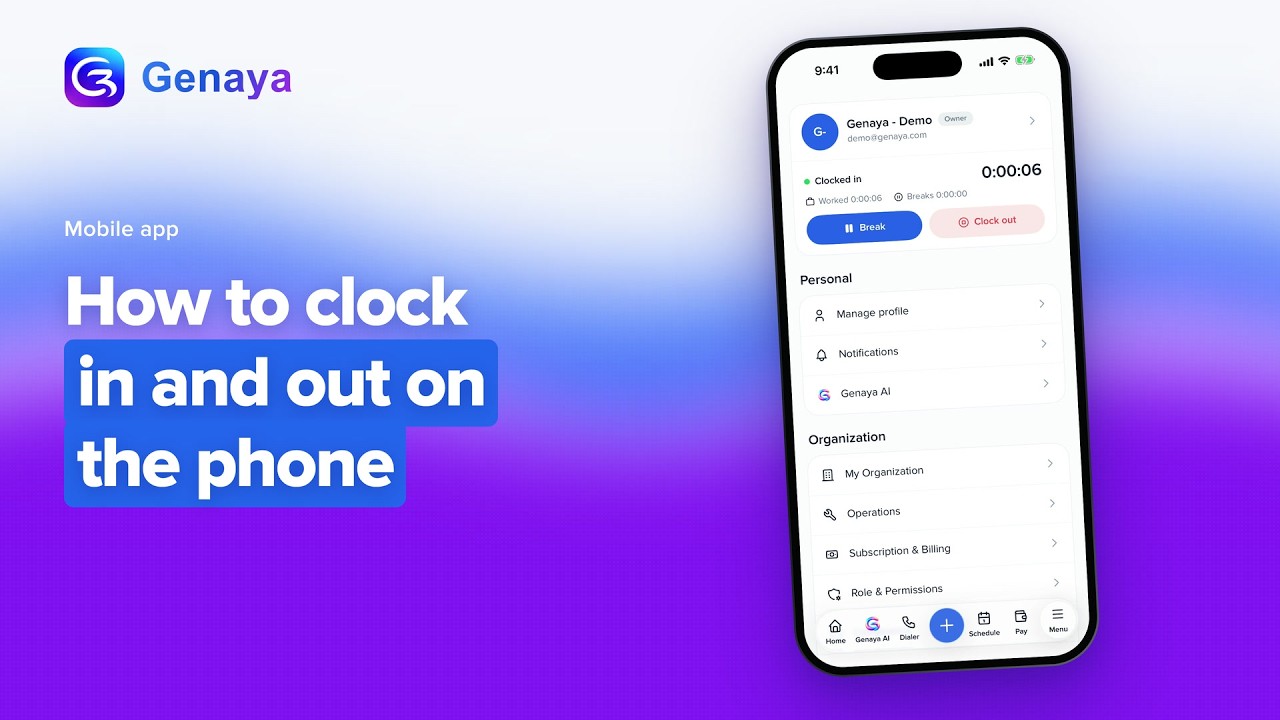 0:41Mobile appHow to clock in and out on the phoneClock in and out in the Genaya mobile app.
 0:51Mobile appHow to collect a payment on the phoneCollect a payment in the Genaya mobile app.
 0:57Mobile appHow to create an appointment on the phoneCreate an appointment in the Genaya mobile app.
 0:57Mobile appHow to create an estimate on the phoneCreate an estimate in the Genaya mobile app.
 0:59Mobile appHow to create an invoice on the phoneCreate an invoice in the Genaya mobile app.
 1:08Mobile appHow to create things fast with the + buttonCreate things fast with the blue plus button in the Genaya mobile app.
 0:48Mobile appHow to find a client on the phoneFind a client in the Genaya mobile app.
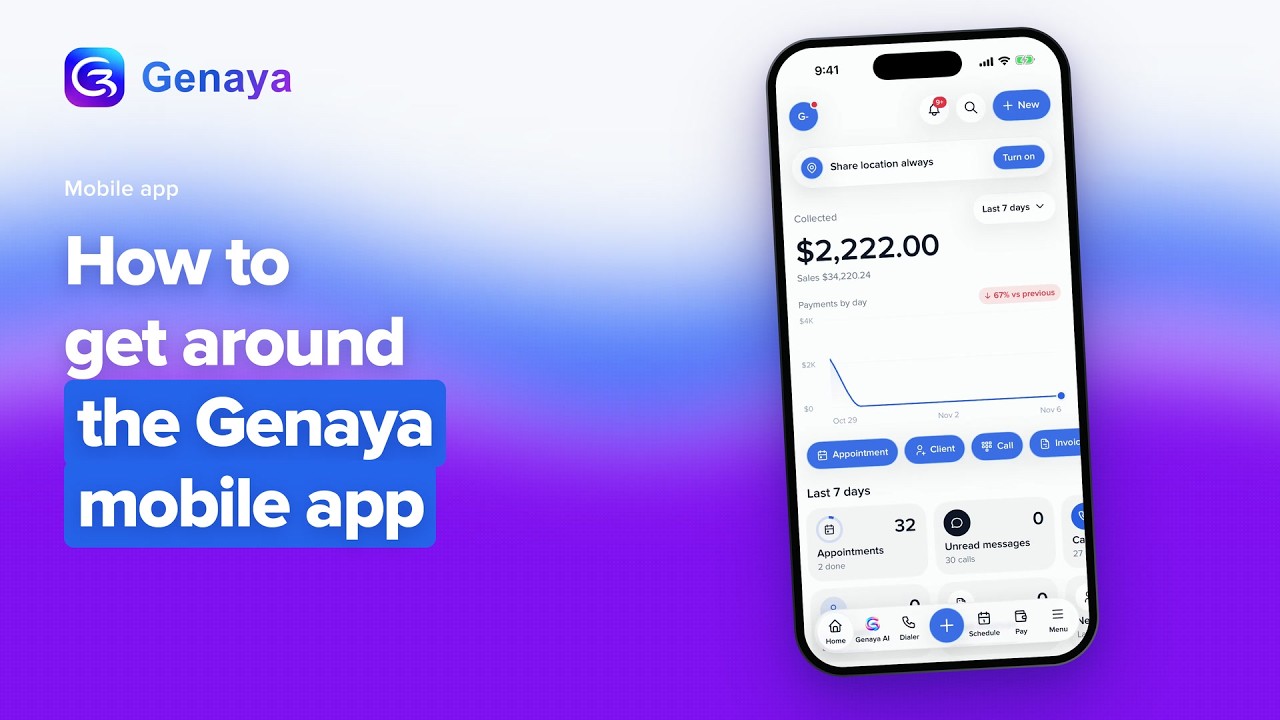 1:37Mobile appHow to get around the Genaya mobile appGet around the Genaya mobile app.
 0:50Mobile appHow to join a video room from the phoneJoin a video room in the Genaya mobile app.
 0:52Mobile appHow to make a call from the Genaya dialerMake a call from the Genaya dialer in the Genaya mobile app.
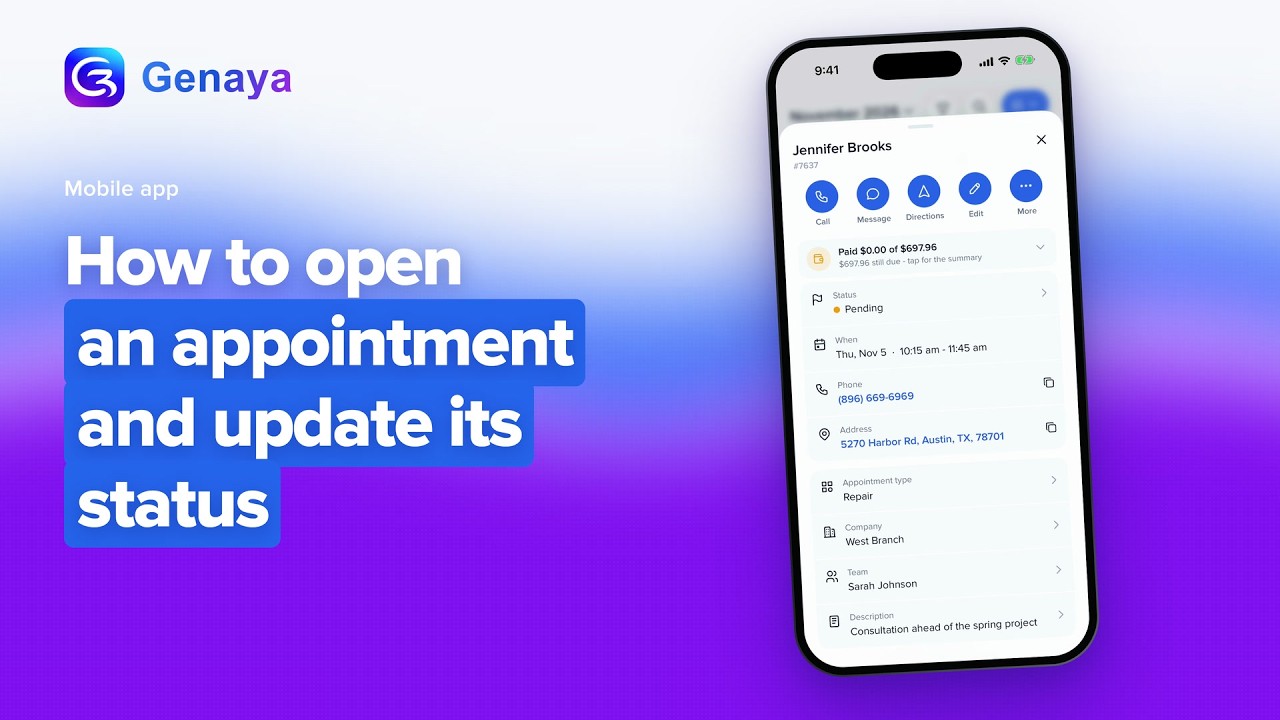 0:51Mobile appHow to open an appointment and update its statusOpen an appointment and update its status in the Genaya mobile app.
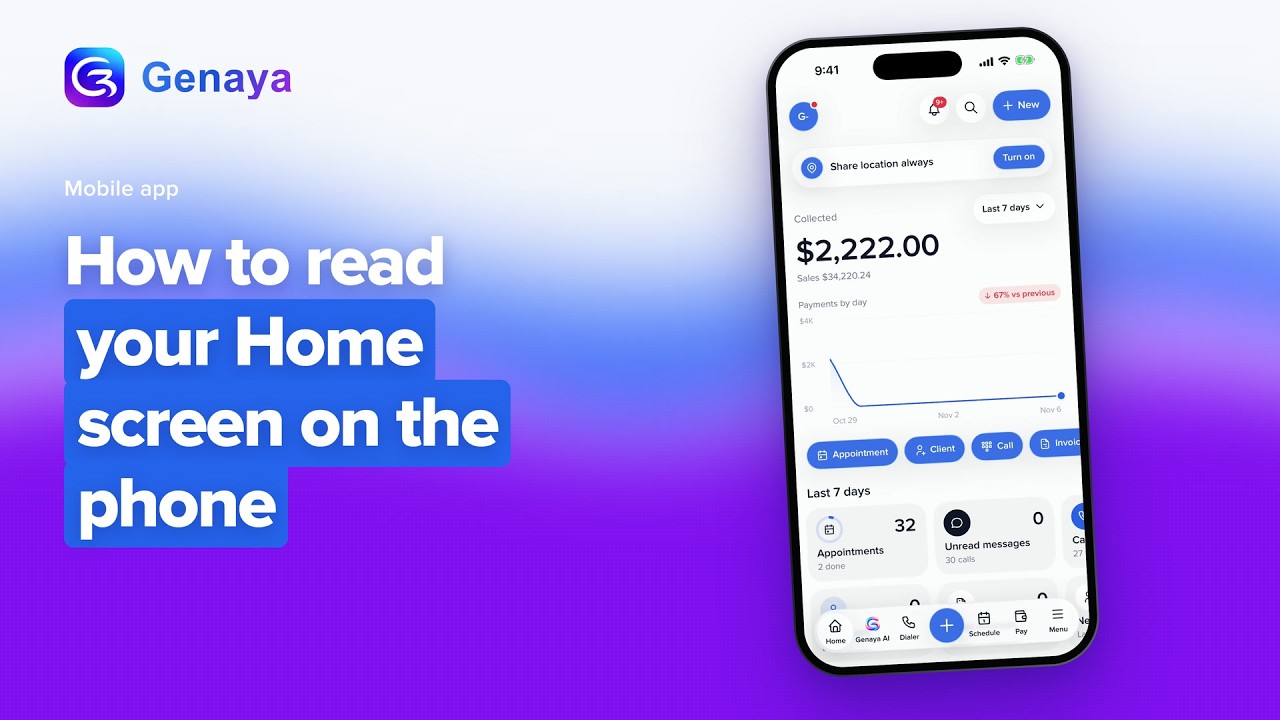 1:24Mobile appHow to read your Home screen on the phoneLearn what is on the Home screen of the Genaya mobile app.
 1:26Mobile appHow to read your Inbox on the phoneRead your Inbox in the Genaya mobile app.
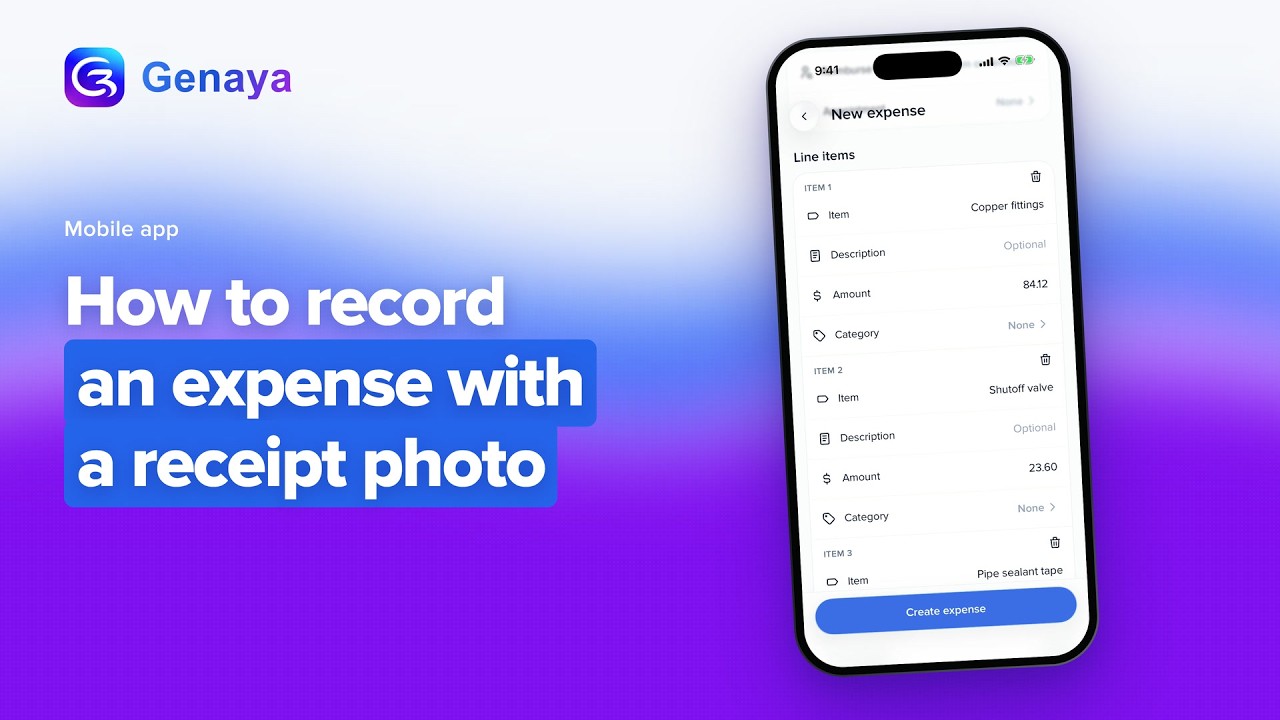 0:57Mobile appHow to record an expense with a receipt photoRecord an expense from a receipt photo in the Genaya mobile app.
 1:13Mobile appHow to see inventory and stock on the phoneSee your inventory and stock in the Genaya mobile app.
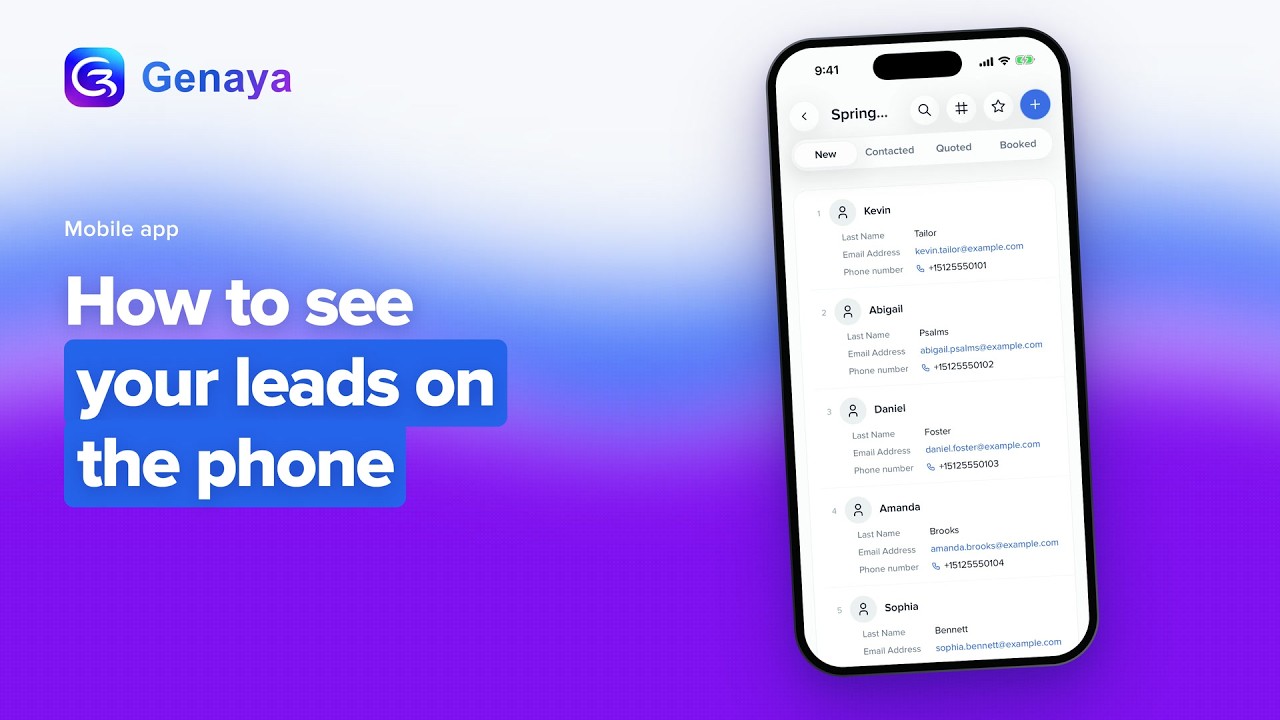 0:47Mobile appHow to see your leads on the phoneSee your leads in the Genaya mobile app.
 0:37Mobile appHow to see your notificationsSee your notifications in the Genaya mobile app.
 1:09Mobile appHow to see your payments and payouts on the phoneSee your payments and payouts in the Genaya mobile app.
 1:01Mobile appHow to see your schedule on the phoneSee your schedule in the Genaya mobile app.
 0:39Mobile appHow to send an invoice by text from the phoneSend an invoice by text from the Genaya mobile app.
 0:52Mobile appHow to sign in to the Genaya mobile appSign in to the Genaya mobile app with the same account you use on the web.
 0:55Mobile appHow to talk to Genaya AI on the phoneTalk to Genaya AI in the Genaya mobile app.
 1:13Mobile appHow to text a client from the phoneText a client from the Genaya mobile app.
Features25
 0:36FeatureAI Chat ReceptionistMessages come in from everywhere, all day.
 0:30FeatureAI ReceptionistA missed call is a lost client.
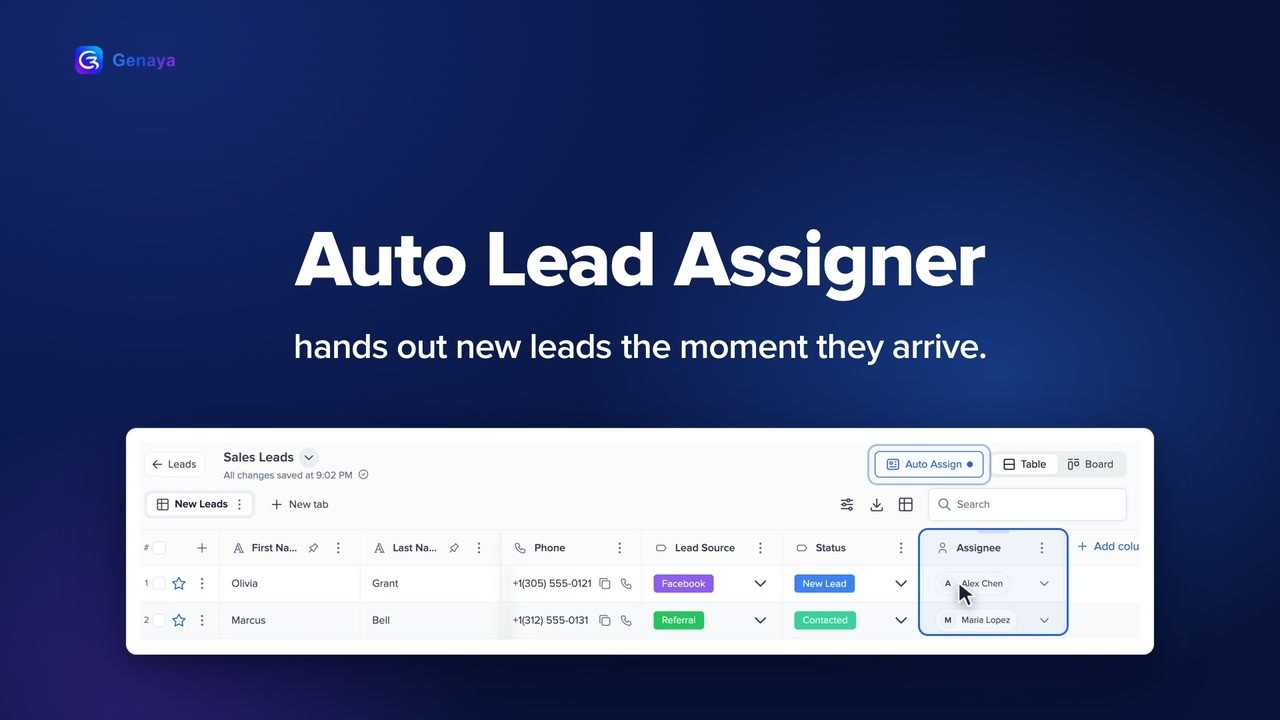 0:37FeatureAuto Lead AssignerNew leads should never sit waiting.
 0:30FeatureCall IntelligenceNobody can talk and take good notes at the same time.
 0:31FeatureClient PortalStop chasing clients over email.
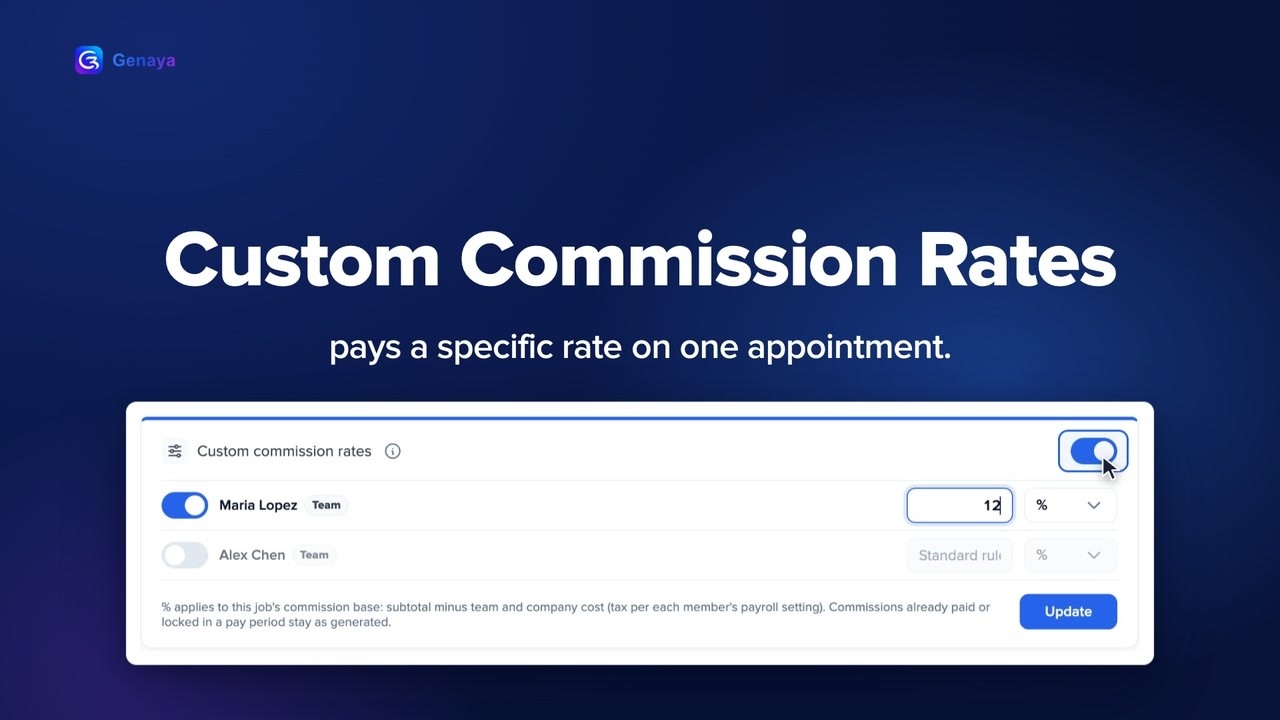 0:34FeatureCustom Commission RatesSome jobs do not fit your standard commission.
 0:42FeatureCustom FieldsEvery business tracks something different.
 0:33FeatureDeveloper APIYour business runs on more than one tool.
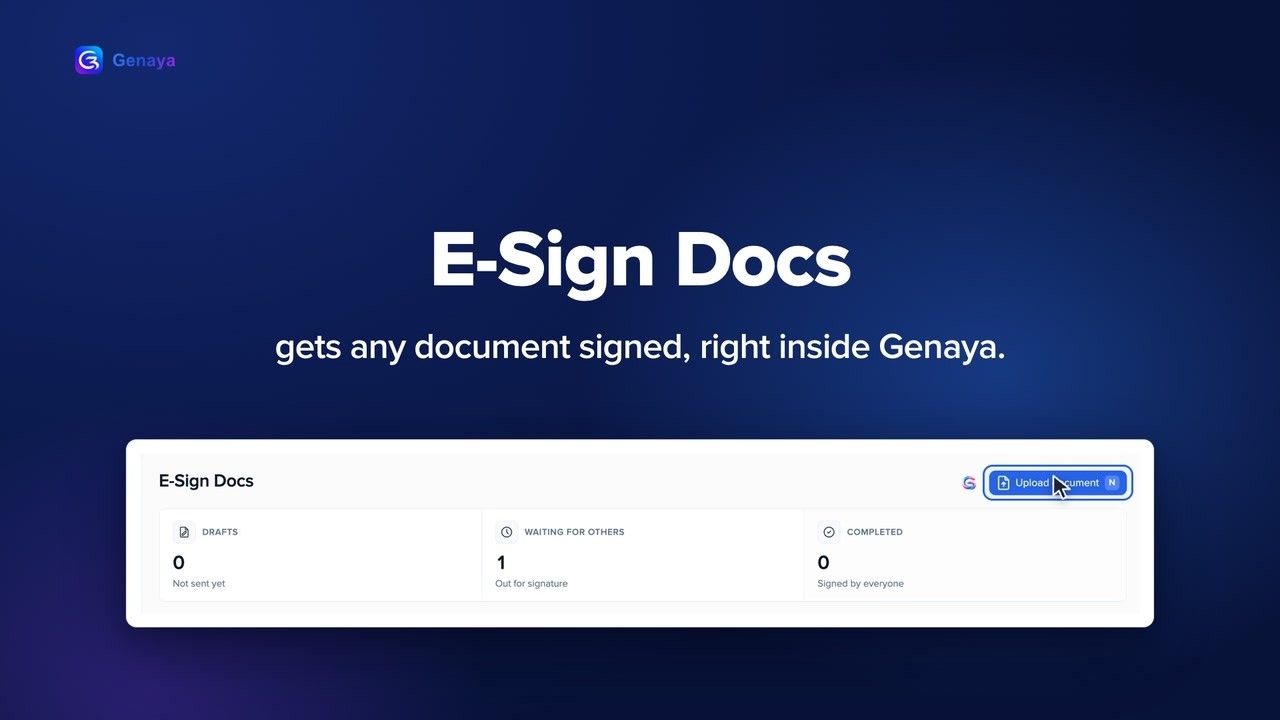 0:35FeatureE-Sign DocsPrinting.
 0:32FeatureExternal EmployeesNot everyone who works with you is on your payroll.
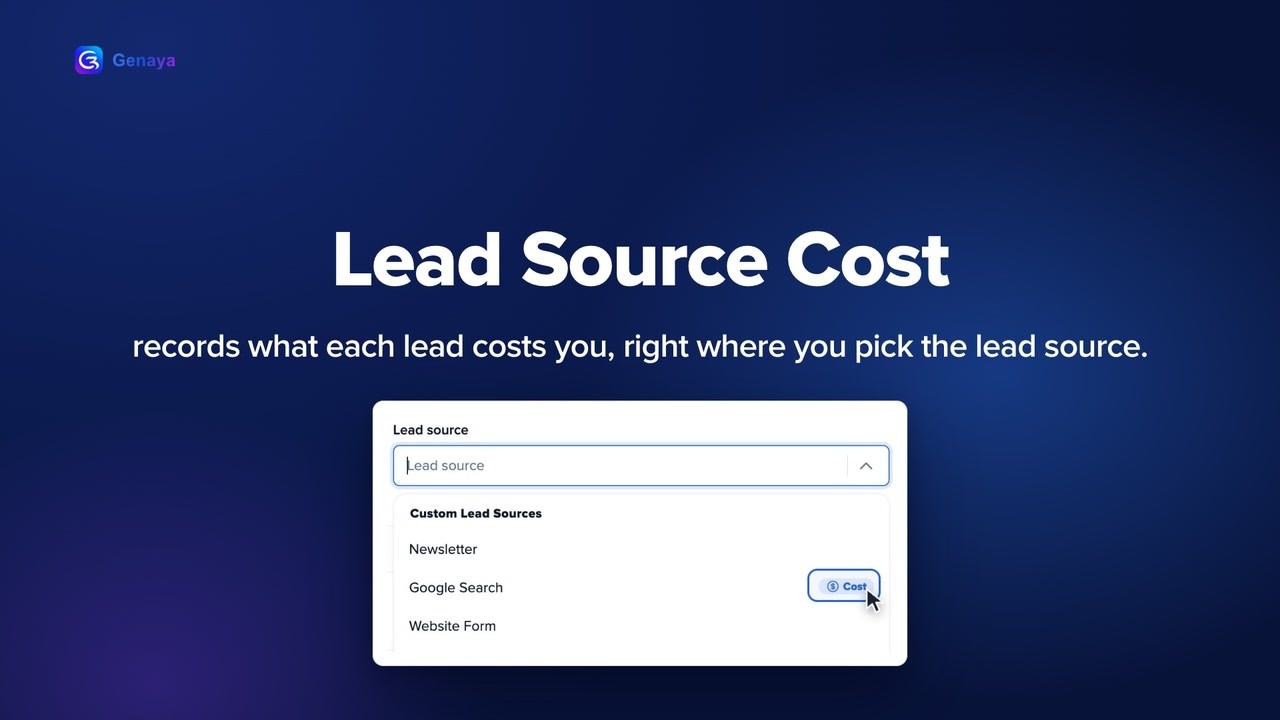 0:36FeatureLead Source CostEvery lead costs you something.
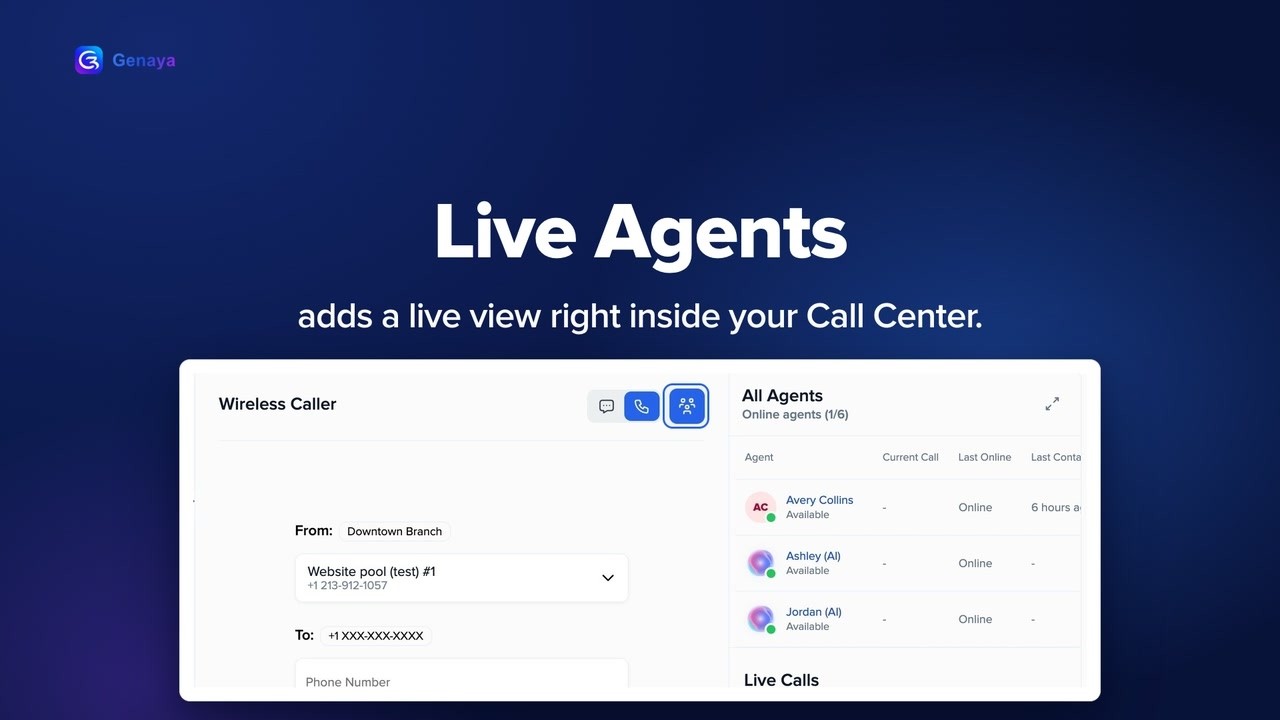 0:30FeatureLive AgentsThe phone rings.
 0:30FeatureLive ChatA website visitor has a question.
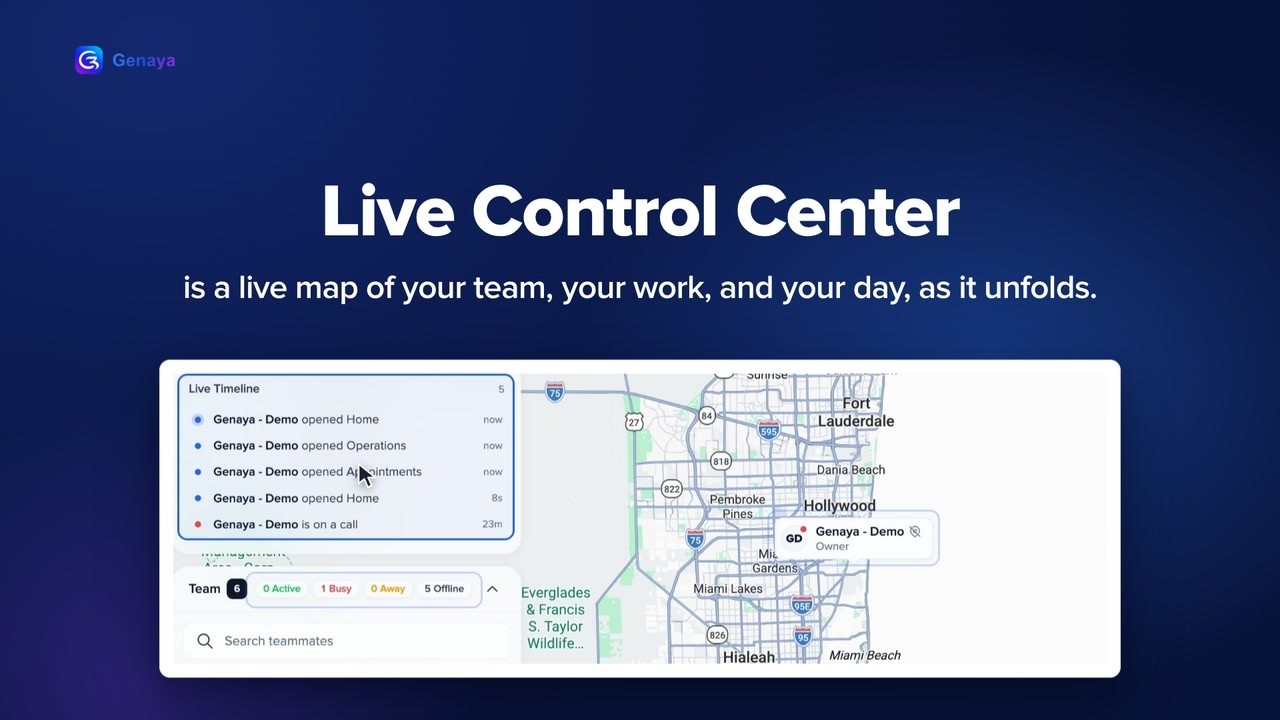 0:30FeatureLive Control CenterWhere is everyone right now?
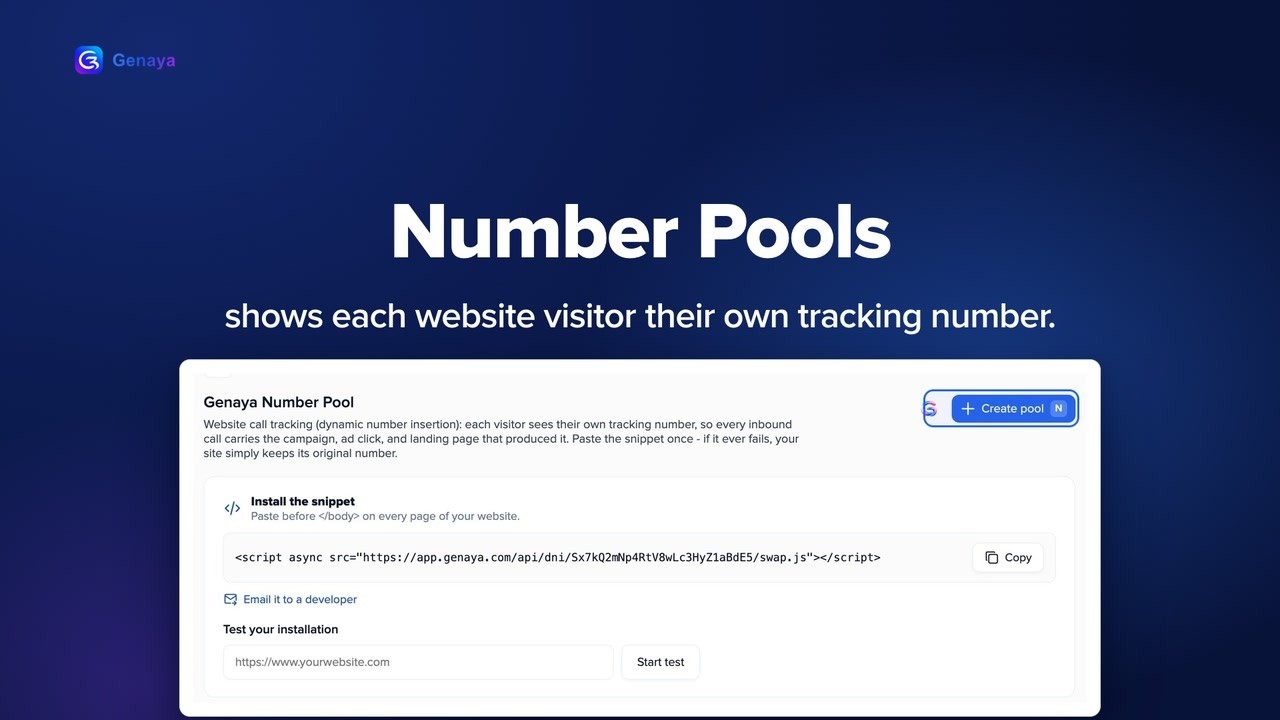 0:33FeatureNumber PoolsYour phone rings.
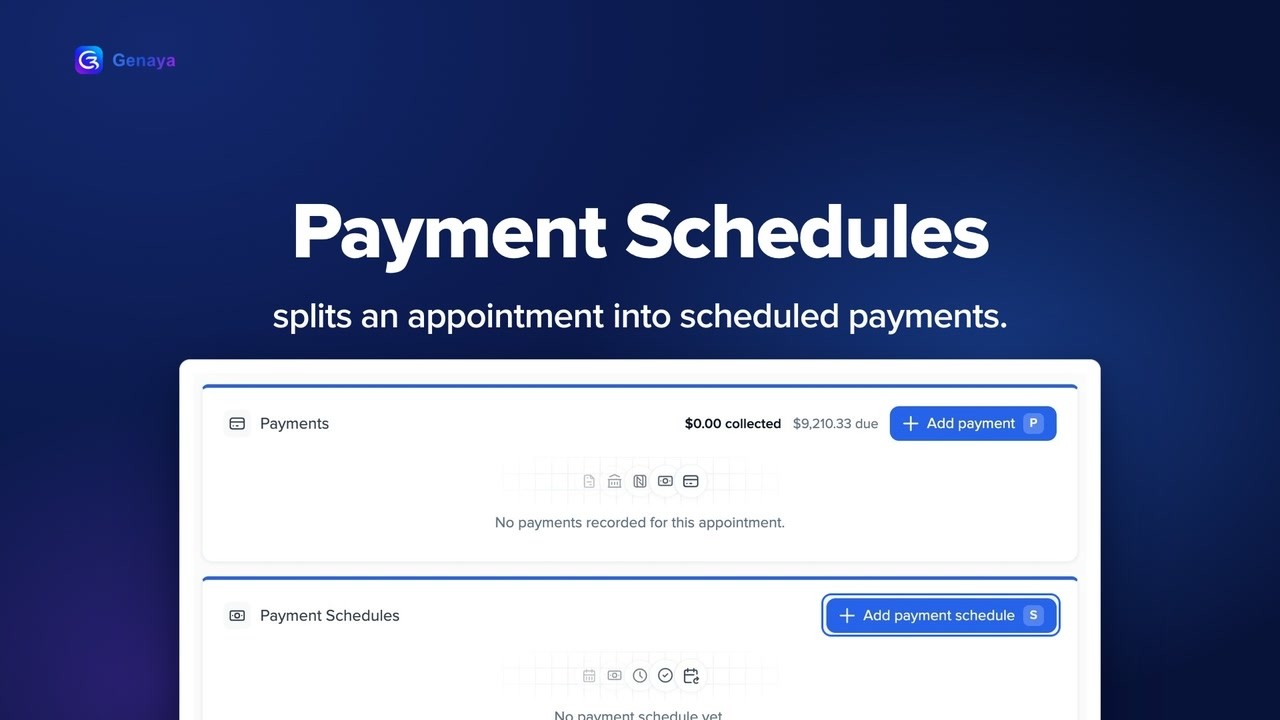 0:34FeaturePayment SchedulesA big job should not mean one big bill.
 0:35FeaturePerformance PayOne flat commission does not fit every job.
 0:30FeaturePower DialerWorking a call list by hand is slow.
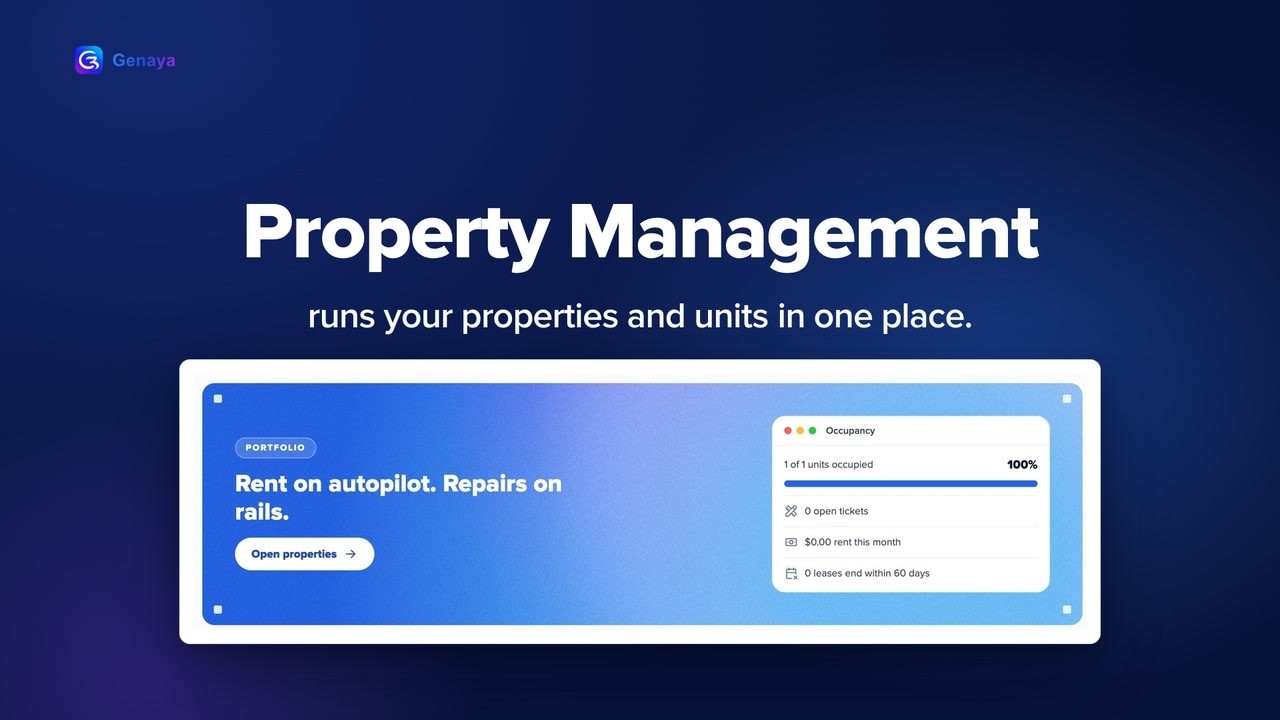 0:36FeatureProperty ManagementRent.
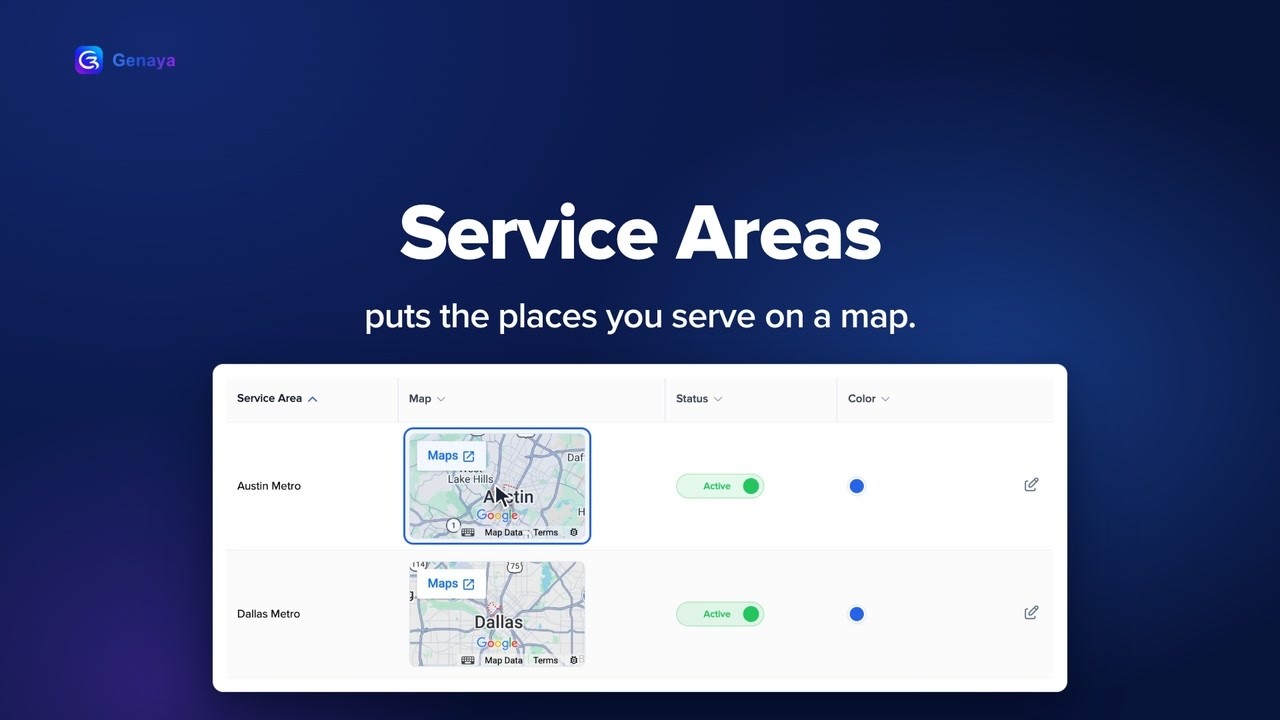 0:37FeatureService AreasYour team should not lose hours on the road.
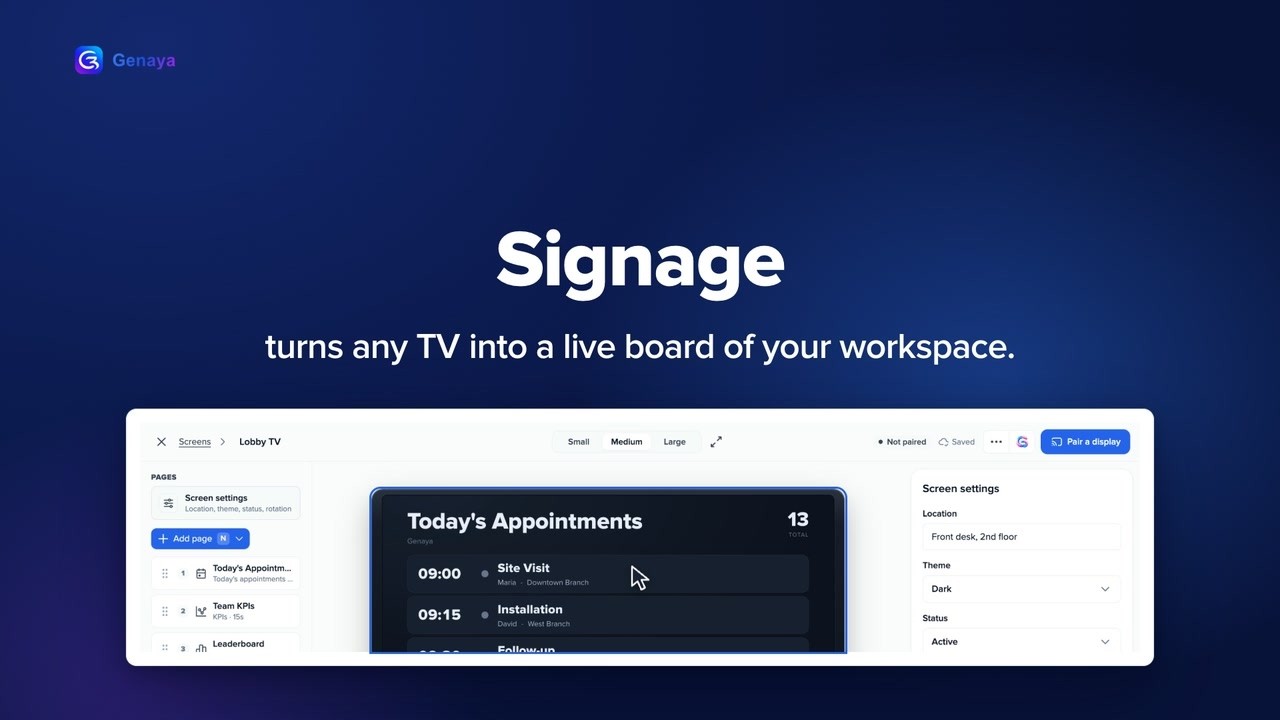 0:30FeatureSignageThat TV in your office could be working for you.
 0:35FeatureSmart ScheduleBooking one appointment should not take three calendars.
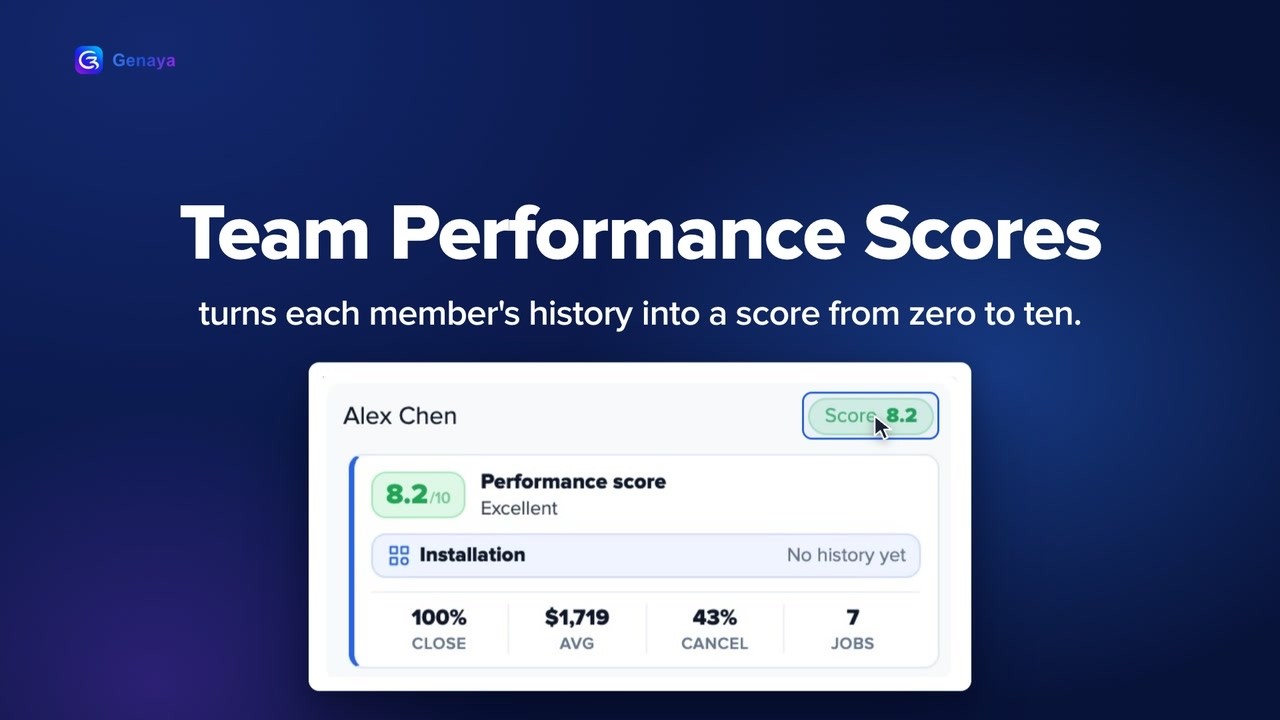 0:33FeatureTeam Performance ScoresWho should get this job?
 0:34FeatureVendorsWho was that supplier again?
 0:32FeatureVideo IntelligenceA great meeting is easy to forget.
Why Genaya10
 3:26Why GenayaCustomer story: Pinnacle Mutual ConsultingOlatunde Adekunle, owner and founder of Pinnacle Mutual Consulting in Atlanta, Georgia, shares how...
 0:43Why GenayaDescribe it. It's live.Describe your business in a sentence and Genaya AI builds the website: your real services, a booking...
 0:39Why GenayaEvery conversation answeredWhatsApp, Instagram, Facebook, text messages and website chat in one inbox, with an AI receptionist...
 0:47Why GenayaEvery missed callMissed calls, too many tools, nothing in one place.
 0:32Why GenayaGenaya in your pocketSales, schedule, calls, Tap to Pay and Genaya AI by voice, on your phone.
 0:25Why GenayaJust use Genaya"Game tonight?" "Can't.
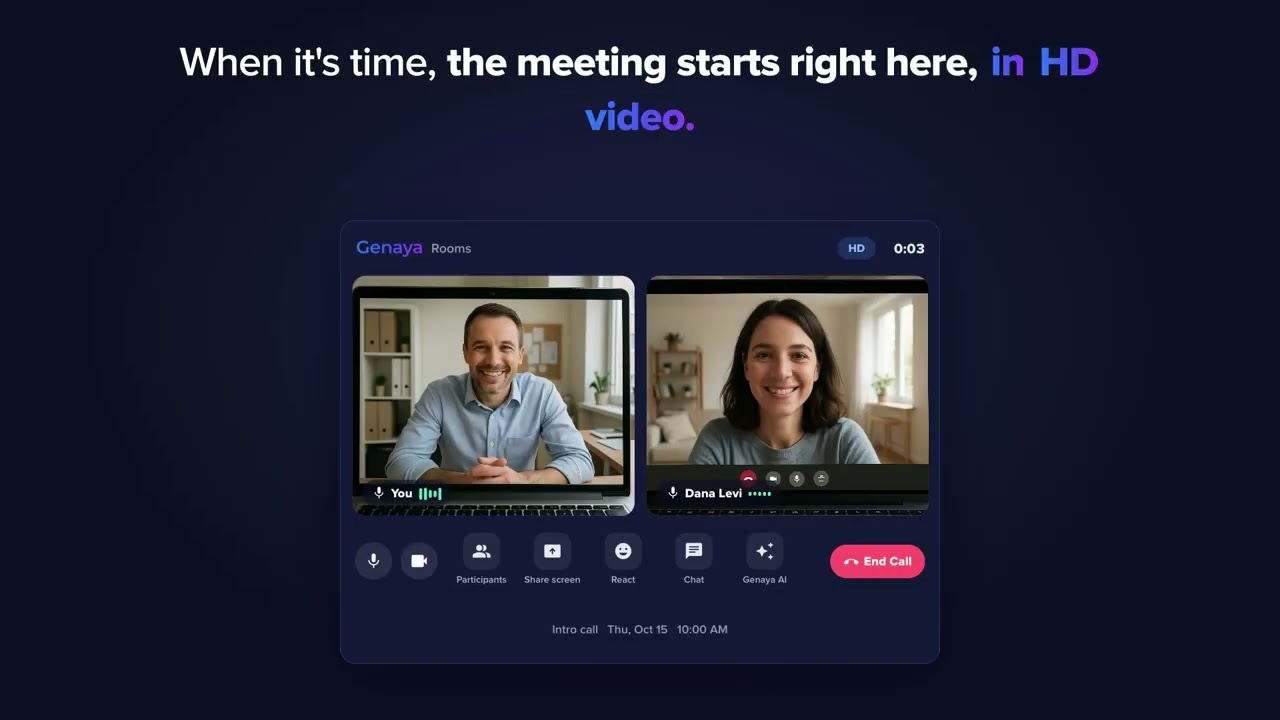 0:40Why GenayaMeetings that book themselvesA booking link on your availability, the meeting on your schedule, a video room and an AI summary...
 0:26Why GenayaStill doing it by hand?Follow-ups, reminders, review requests and payment links that send themselves.
 0:41Why GenayaStop chasing invoicesYou did the work.
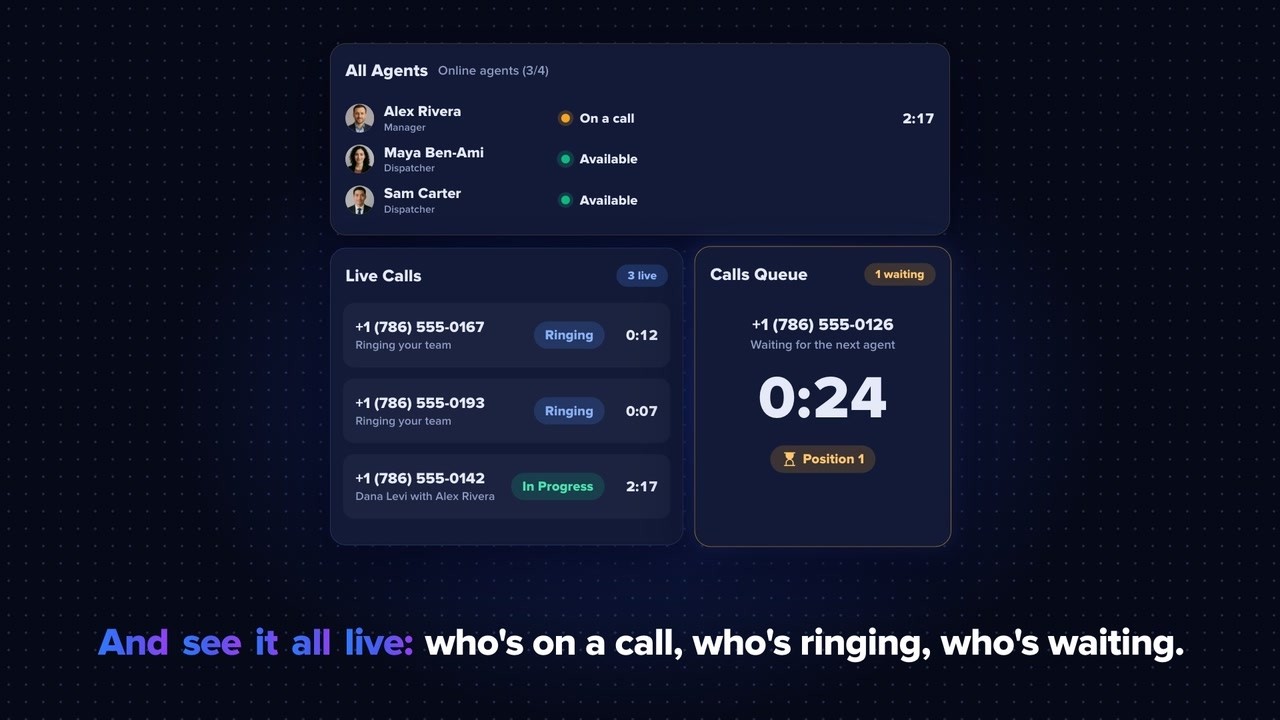 0:38Why GenayaYour call centerLocal and toll-free numbers, call flows, the dialer and a live board of your team, built into Genaya.