
How to start a new chat or group in the Call Center
The Call Center list has a New chat button beside the blue Dialer button, and a Contacts list beside Messages. Both start a conversation without leaving the Call Center.
Start a new chat
- 1Open New chat
Click
New chatnext to the Dialer at the top of the Call Center list.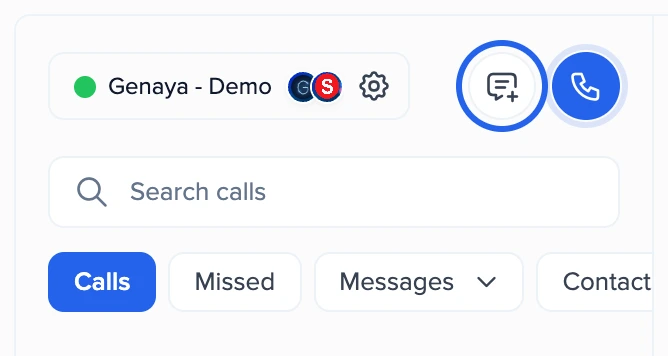
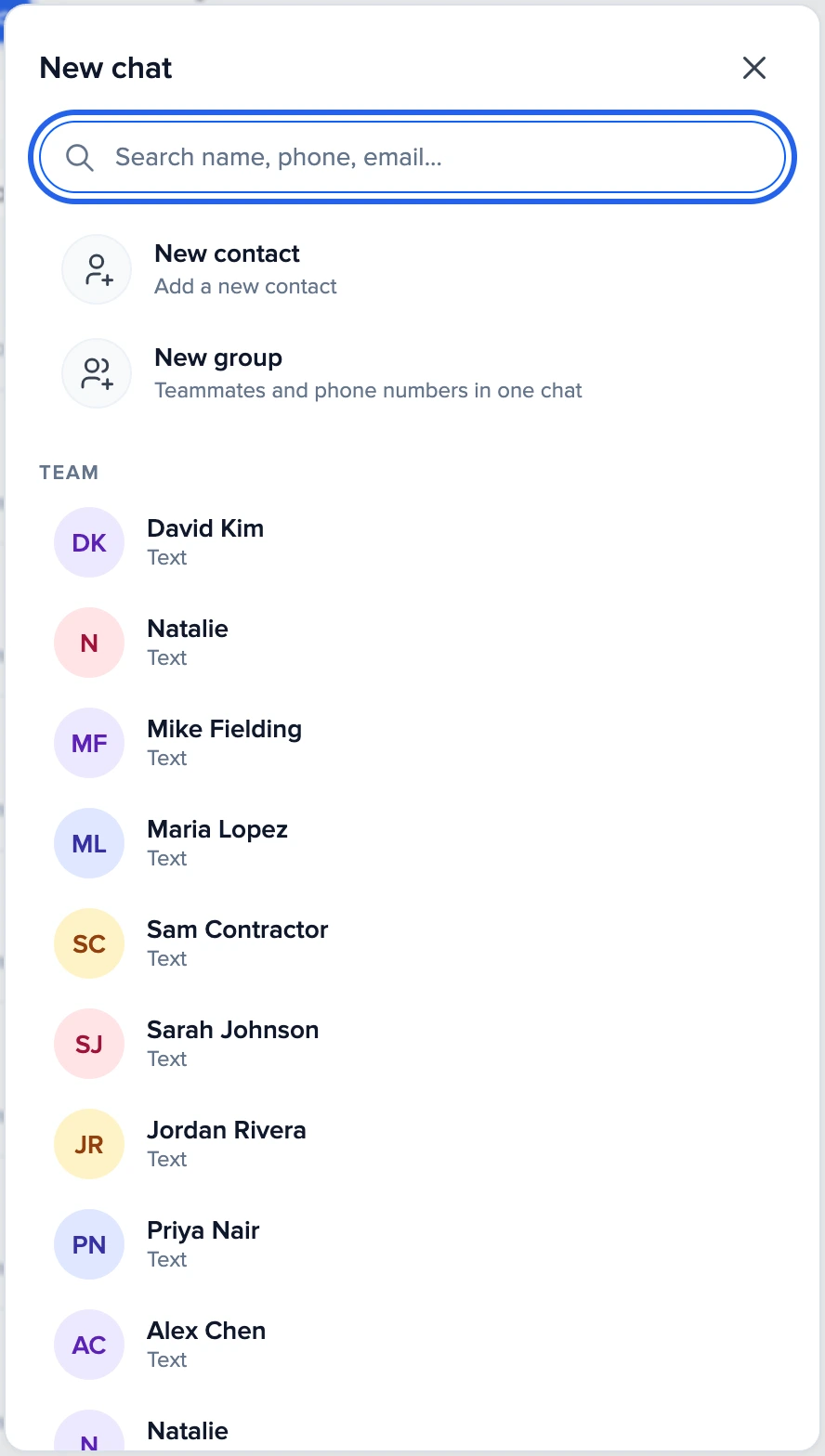
- 2Pick who
Search a name, a phone number or an email. A teammate with the Genaya mark on their picture opens a free one-to-one chat in Genaya. Anyone else opens a text conversation with their number. To reach someone at another company who uses Genaya, type their full email or phone number and send a chat request.
- 3Write your message
The conversation opens with the composer ready and the number you text from at the top. Your first text starts the conversation, and it joins the Messages list.
Start a group
Click New chat, then New group, or click New group at the top of the Contacts list. Add teammates (and phone numbers if your role may), name the group and click Create group. The group opens right in the Call Center. See How to create a team group.
The Contacts list
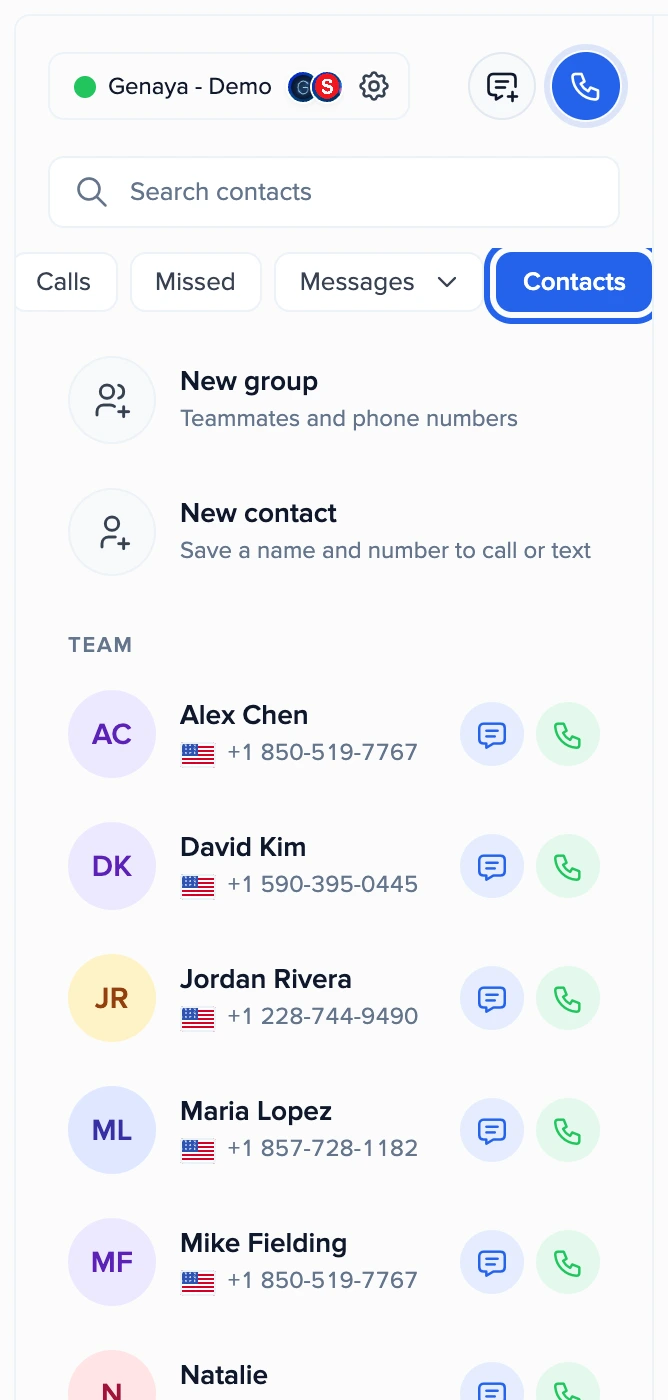
- Click Contacts in the row of lists: Calls, Missed, Messages, Contacts, Tags and Blocked.
- Team lists every active teammate. A teammate with the Genaya mark opens a free chat in Genaya. Anyone else is texted or called at the number on their team profile.
- Contacts lists your own saved contacts that show in the Call Center (Shown in: Call Center or All).
- Each person has
Message, andCallwhen there is a phone number to call. Click the row itself to open the conversation. - Type in the search box to find a name, a company, an email or part of a number.
- Save someone new with
New contact. A saved contact with no phone number opens its editor, so you can add one.
Find in Contacts under the result to look for the same words in Contacts.Frequently asked
Still stuck?
Our team typically replies within one business day.